Algorithm
A step-by-step sequence of actions that sets out how a program solves a task and in what order the actions are carried out.
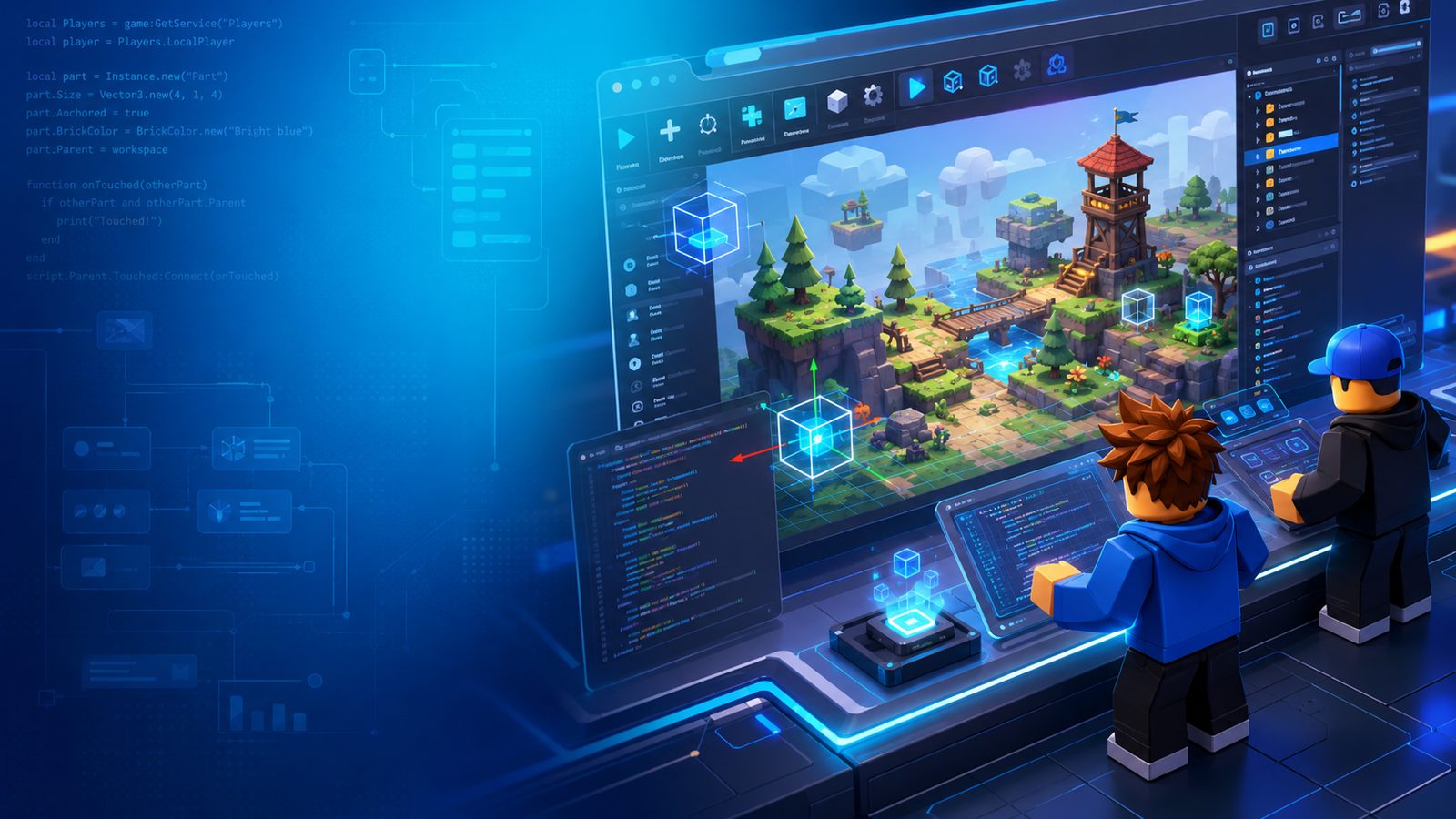
Your child will learn the basics of programming in Luau through hands-on tasks in Roblox Studio. Variables, functions, events and game logic become clear when you see them in action, for example by making objects move, react to what the player does and carry out specific tasks. Step by step, your child learns how to use code to get the result they want.
The course is about seeing how a game works behind the scenes and learning to change what happens in the game yourself by writing lines of code.
The Roblox Studio world is full of objects, such as a pad, a door or a character. On their own, they do nothing.
Your child writes Luau code that sets when the object should react and what it should do.
In the game, the object starts moving, opens, disappears or triggers the next event.
A step-by-step sequence of actions that sets out how a program solves a task and in what order the actions are carried out.
Pads, buttons and obstacles that react when the player touches them.
Platforms and mechanisms that move on their own, following programmed logic.
Characters that are not controlled by a player; code decides how they behave.
What happens when a player does something, and in what order.
Conditions, reactions, scoring and other rules that determine how game elements work together.
How the actions of several players are linked together.
Luau is a Lua-based language built for Roblox. Variables, conditions, loops and functions are universal concepts: they will come in handy when your child later moves on to another programming language.
A place where a program stores information: the score, lives, the player's name.
local points = 0
local lives = 3
local name = "Anna"Programming logic: “if this happens, then do that”.
if points >= 10 then
  openDoor()
endRepeats an action several times or for as long as a condition is met.
for i = 1, 5 do
  showCoin()
endA set of actions that you give a name and can call as many times as you need.
function openDoor()
  door.Open = true
endA way to store and organise many values or objects in one place.
local coins = {
  "gold", "silver", "copper"
}How the game reacts to an action, such as a touch or a click.
door.Touched:Connect(function()
  openDoor()
end)
The code examples are simplified to show the principle. In class, your child works on their own project.
Both courses use Roblox Studio, but their goals are different. The game engineer course puts more emphasis on creating the game and building its elements, while the programming course focuses on code and programming principles.
The programming course is also a logical next step after the game engineer course, but it is not a prerequisite. View the game engineer course
In class, students prepare and test their project, and it stays saved in their own Roblox account. Since May 2026, Roblox only allows games to be published from an account that has passed age verification, and publishing for all age groups also requires ID verification, two-step verification and a paid subscription.
Only the account owner can complete these checks, so the school cannot publish students' work. If you would like to make a game publicly available, verification must be completed in the Roblox account.
Roblox guide to verificationRoblox Studio is free software, so there's no licence to buy. The only requirement is a computer: Roblox Studio is a development environment and doesn't run on tablets or Chromebooks.
No enrolment fee and no extra purchases. We provide the learning materials.
The price includes four classes a month.
Installing Roblox Studio, joining Zoom, forgotten passwords and fixes for the most common problems, all in one place. We respond on weekdays from 16.00 to 20.00 Latvian time.
Registration takes about two minutes: enter your contact details, and we'll get in touch about the next start date.
Places in each group are limited
Classes use the Roblox Studio platform. This programme is not an official Roblox Corporation product and is not sponsored or endorsed by Roblox Corporation.