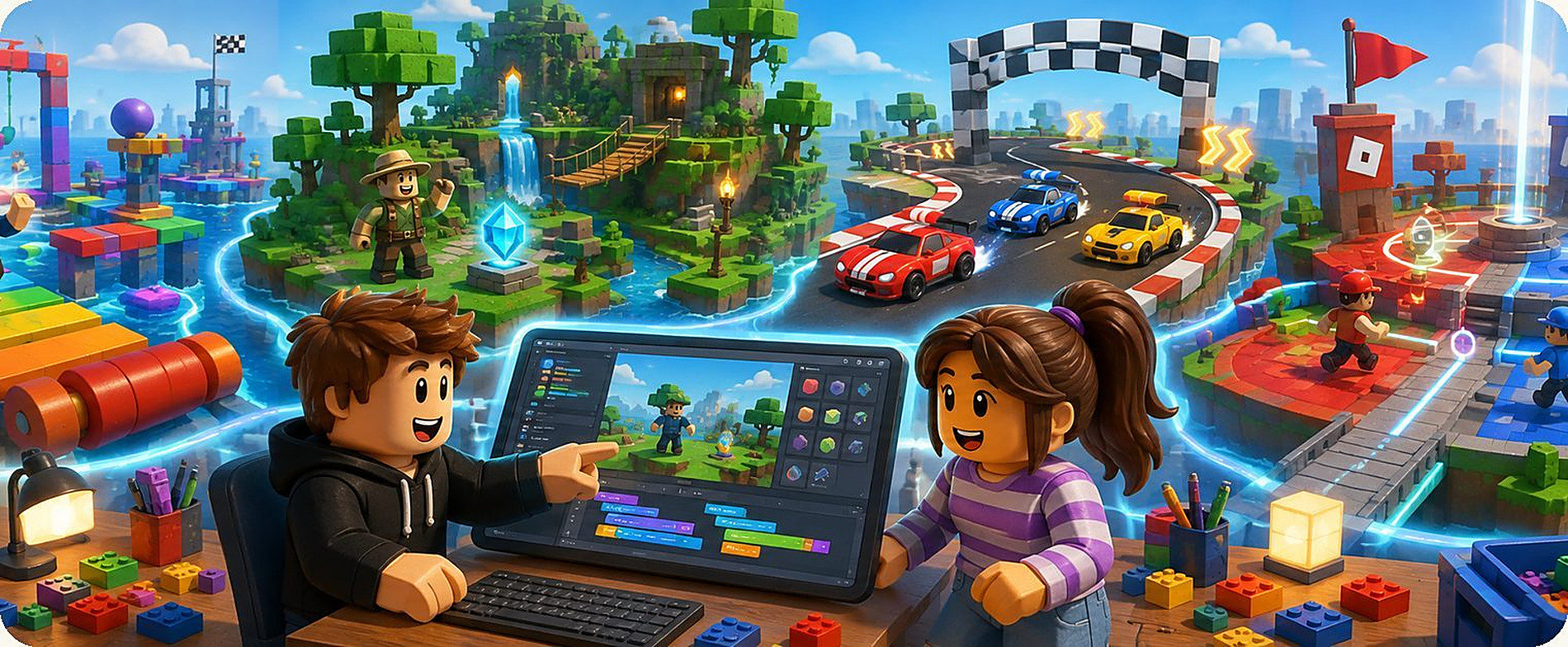
Your child plays Roblox
- Picks a game someone else made
- Plays through a ready-made map
- When the game ends, there is nothing to show for it
- Screen time is pure consumption
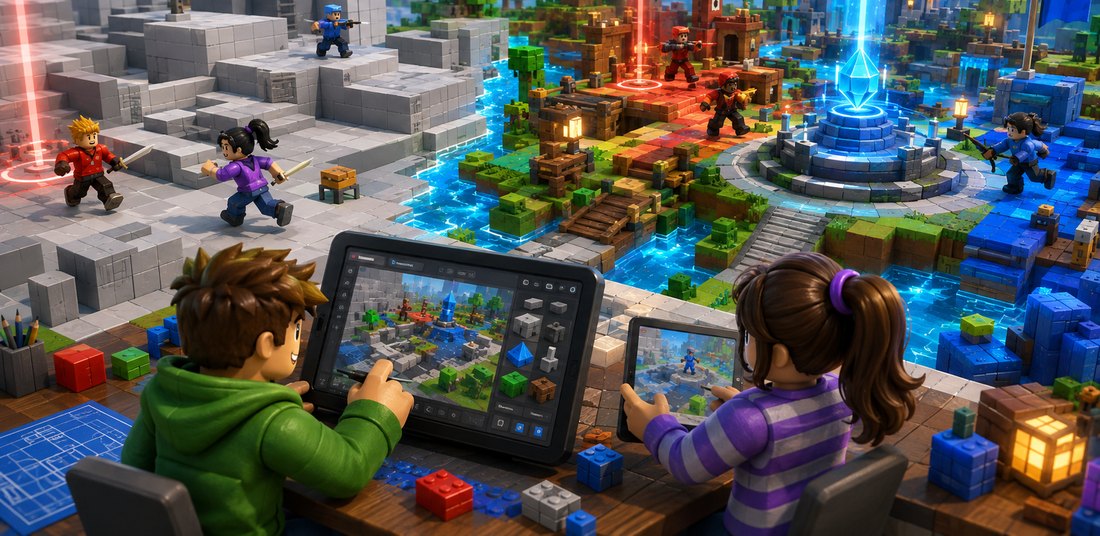
Weekly classes in Roblox Studio with a teacher. At each level, students complete a playable game, from an Obby course to a team game. Classes run on Zoom.
This programme shows that Roblox can be more than entertainment: it can be a tool that helps children understand how a game is built and how to create their own.
Each level lasts one school semester and ends with a finished, playable project. Skills grow step by step: each new level builds on what has already been learned while adding new systems and skills.
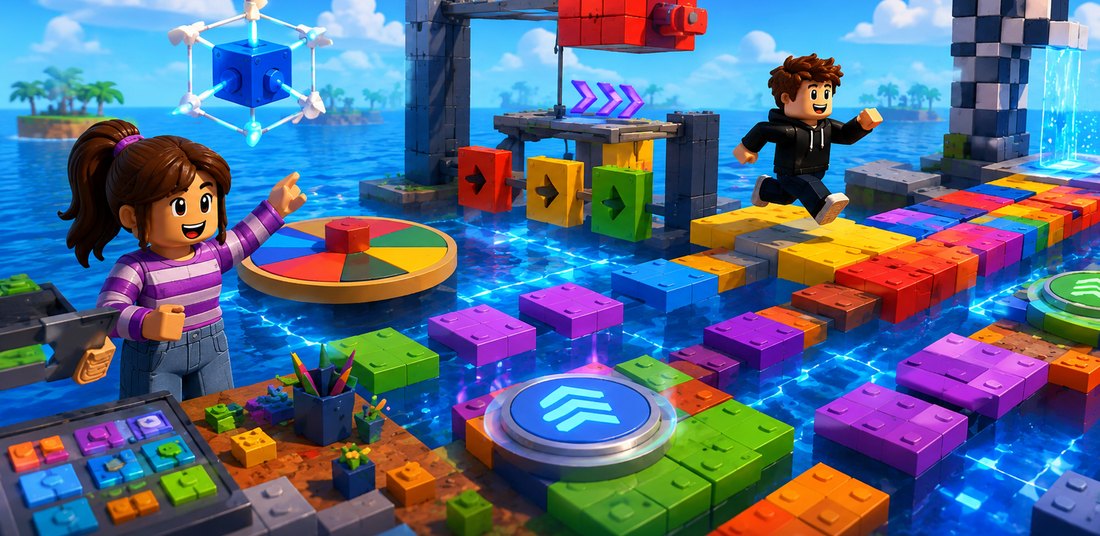 01
Level 1
01
Level 1
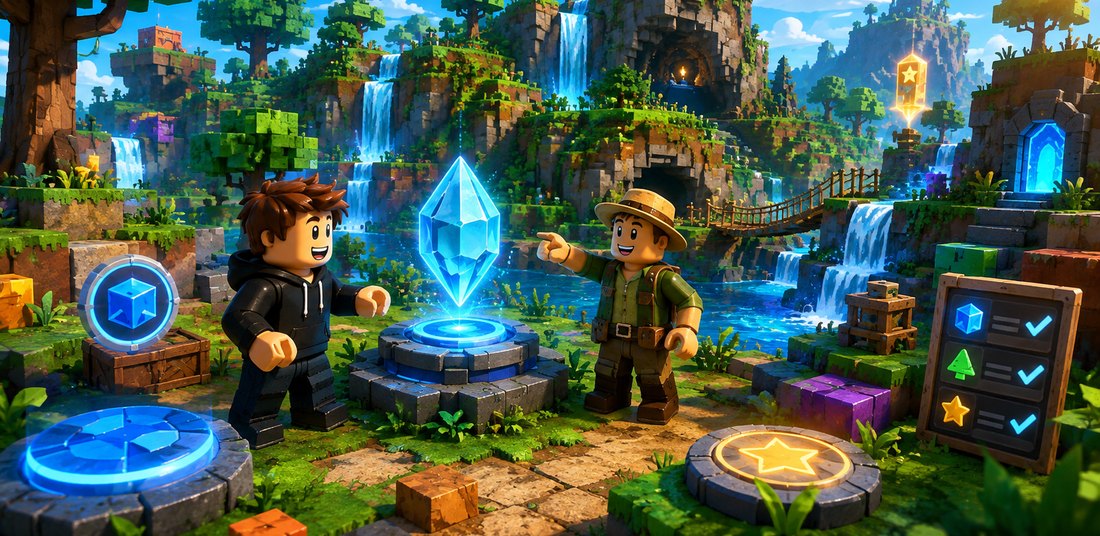 02
Level 2
02
Level 2
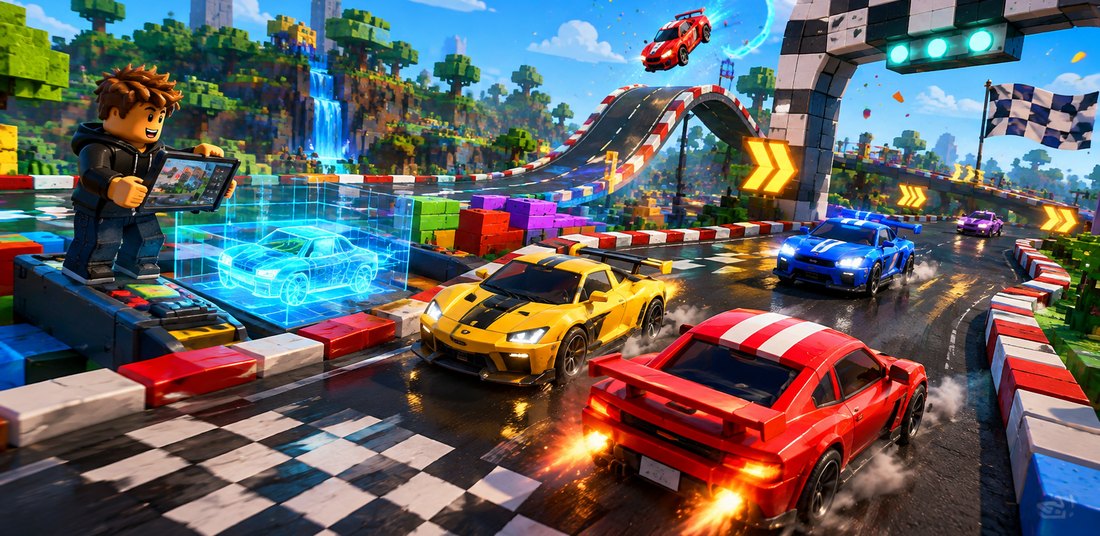 03
Level 3
03
Level 3
 04
Level 4
04
Level 4
The focus is not on the names of Roblox Studio buttons, but on how your child thinks: how they plan a big idea, break it into stages, check the result and improve their work.
Plans the map, the game's goal and its difficulty.
Size, proportion, placement and materials.
Obstacles, checkpoints, inventory and scoring systems.
Understands, finds and adapts ready-made code for their own game.
Buttons, notifications and the winner screen.
Checks, analyses causes and improves the result.
From the first idea to a polished result.
Breaks a big idea into specific, achievable stages.
It is the same path that real game development teams follow. Your child goes through it four times, each time with a more complex project.
In class, students prepare and test their project, and it stays saved in their own Roblox account. Since May 2026, Roblox only allows games to be published from an account that has passed age verification, and publishing for all age groups also requires ID verification, two-step verification and a paid subscription.
Only the account owner can complete these checks, so the school cannot publish students' work. If you would like to make a game publicly available, verification must be completed in the Roblox account.
Roblox guide to verificationRoblox Studio is free software, so there's no licence to buy. The only requirement is a computer: Roblox Studio is a development environment and doesn't run on tablets or Chromebooks.
One price covers everything: classes, the learning plan, feedback and technical support. Roblox Studio is free software, so there are no extra costs.
No enrolment fee. Roblox Studio is free software.
Before the first class, we find out how much the student already knows so they start at the right level and in the right group.
Technical questions? The most common solutions are all gathered on the on our technical support page.
Installing Roblox Studio, joining Zoom, forgotten passwords and fixes for the most common problems, all in one place. We respond on weekdays from 16.00 to 20.00 Latvian time.
Places in each group are limited. Register and we'll get in touch about the best level and class time.
For students who already know Roblox Studio, there is also a separate programming course, where they write game mechanics themselves in Luau.
Places in each group are limited
Classes use the Roblox Studio platform. This programme is not an official Roblox Corporation product and is not sponsored or endorsed by Roblox Corporation.