Roblox game engineer · 10–14 years · in person

In-person Roblox classes, where students build games

Weekly classes in Roblox Studio with a teacher in the same room. At every level, your child completes a playable video game. We provide all the equipment.

  • We provide the computers and software
  • Classes in Latvian and Russian
  • Groups by age and skill level
0school years
4progression levels
10–14years old
60min per class
a week
4game projects
The big idea

From player to game creator

This programme shows that Roblox can be more than entertainment: it can be a tool that helps children understand how a game is built and how to create their own.

Before

Your child plays Roblox

  • Picks a game someone else made
  • Plays through a ready-made map
  • When the game ends, there is nothing to show for it
  • Screen time is pure consumption
After our classes

Your child builds Roblox games

  • Comes up with the game's idea, rules and goal
  • Builds the map, objects and game mechanics
  • Finishes a playable project at every level
  • Screen time becomes work with real results
Programme structure

Four levels: from the first 3D object to a complete game

Each level lasts one school semester and ends with a finished, playable project. Skills grow step by step: each new level builds on what has already been learned while adding new systems and skills.
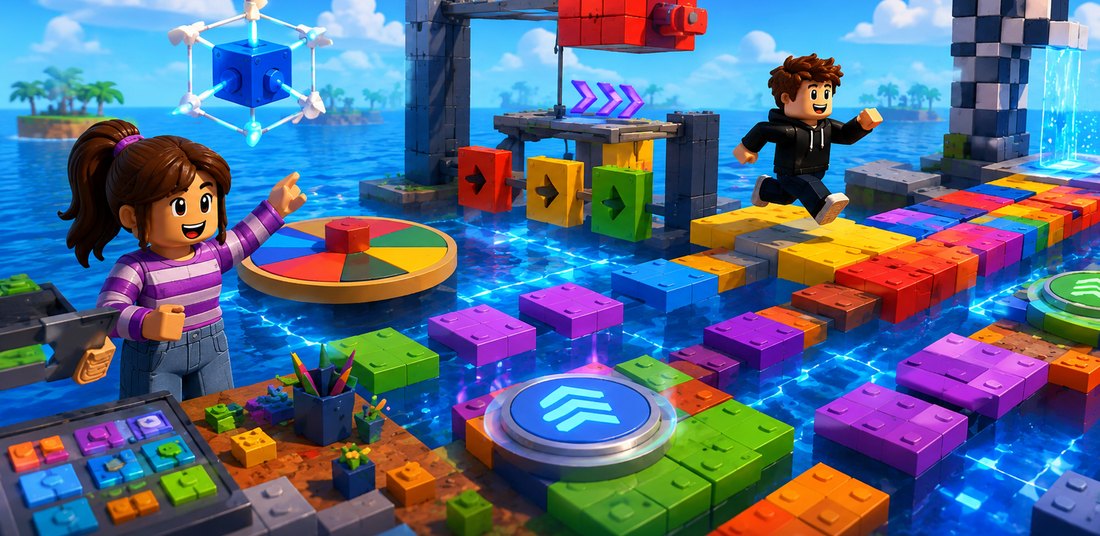
An Obby obstacle course in Roblox Studio, built at Level 1 01 Level 1

Roblox Studio basics and an Obby game

ProjectA solo obstacle course, or Obby
  • The Studio interface, Explorer, Properties and key tools
  • Creating and scaling objects, colours and materials
  • Platforms, moving and disappearing blocks, a finish point
  • Designing the environment, testing and publishing basics
  • A Build Battle creative challenge and difficulty testing
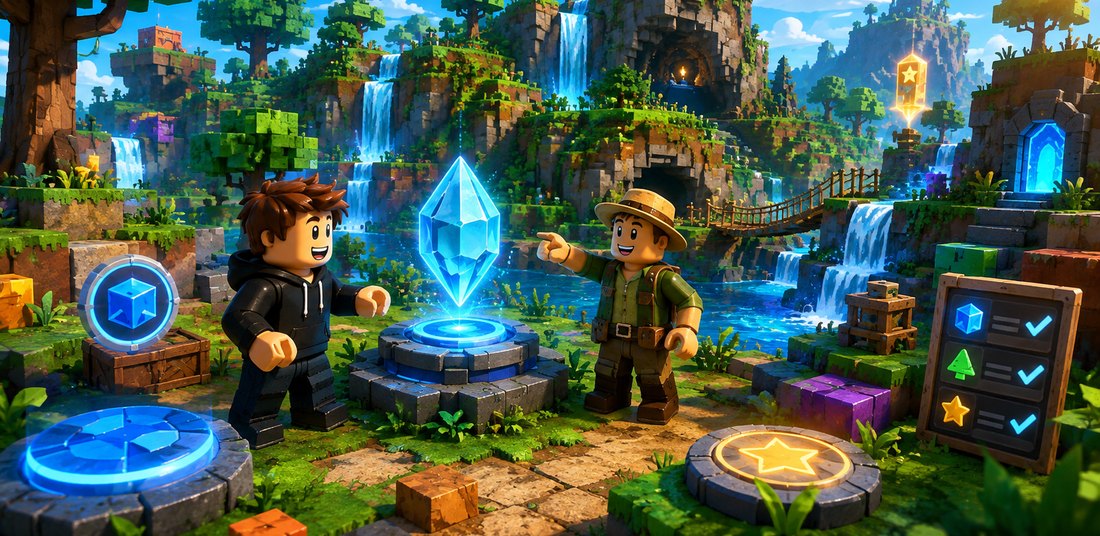
An adventure world in Roblox Studio with quests and achievements 02 Level 2

World design and interactivity

ProjectA large interactive adventure world
  • Terrain Editor, landscapes, biomes and map planning
  • Game zones, object placement and a detailed environment
  • Characters, Player Morph and item-finding mechanics
  • Achievements, user interface, effects and publishing
  • Finding ready-made scripts and adapting them safely
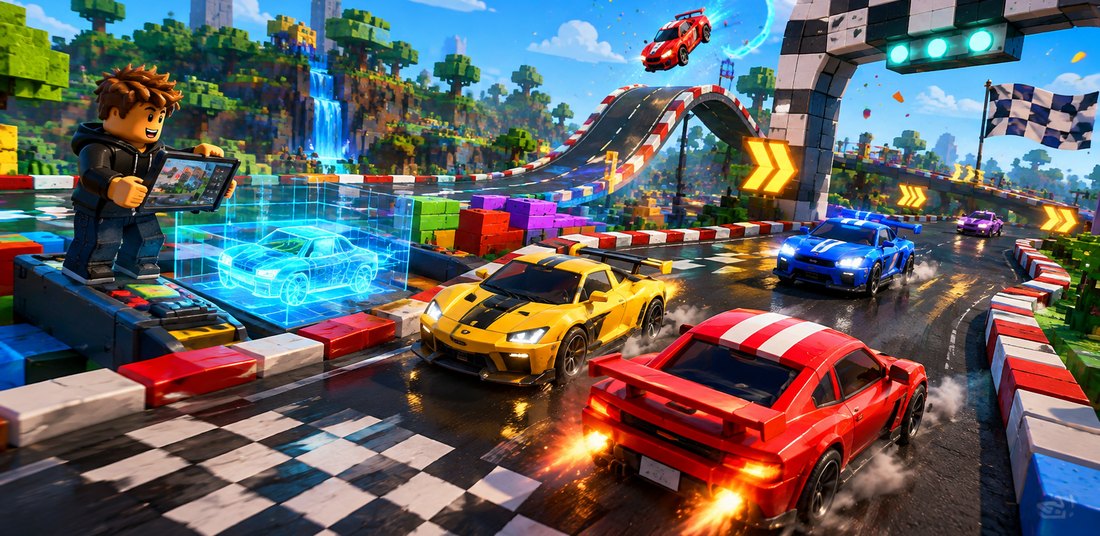
A car racing game in Roblox Studio with a track and a car built by the student 03 Level 3

Car racing game

ProjectA racing game with a track and a results system
  • Track sketch, turns, start and finish zones
  • Building the vehicle and its visual design
  • Checkpoints, laps and deciding the winner
  • Winner screen, animations, sounds and icons
  • Repeated testing, publishing and presentation
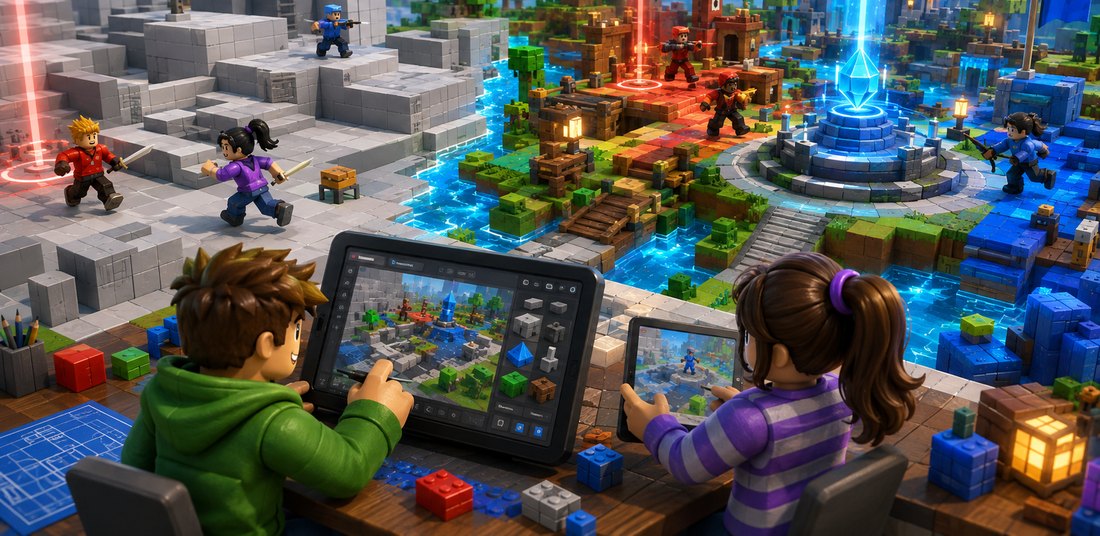
A team competition map prototype in Roblox Studio, made with the greyboxing technique 04 Level 4

Esports and team competition game

ProjectA team competition game prototype
  • Greyboxing: a map prototype built from simple shapes
  • A balanced map, team zones and movement paths
  • Inventory system, game tools and their settings
  • Balancing and testing the game with a group of players
  • Playtesting together and analysing the results
What your child learns

Skills built throughout the programme

The focus is not on the names of Roblox Studio buttons, but on how your child thinks: how they plan a big idea, break it into stages, check the result and improve their work.

Game and level design

Plans the map, the game's goal and its difficulty.

3D modelling and spatial thinking

Size, proportion, placement and materials.

Game mechanics

Obstacles, checkpoints, inventory and scoring systems.

Luau scripting basics

Understands, finds and adapts ready-made code for their own game.

User interface and experience

Buttons, notifications and the winner screen.

Testing and debugging

Checks, analyses causes and improves the result.

Creativity and design thinking

From the first idea to a polished result.

Project planning and teamwork

Breaks a big idea into specific, achievable stages.

How a game is made

The same work cycle across all four levels

It is the same path that real game development teams follow. Your child goes through it four times, each time with a more complex project.

1 Idea theme and rules
2 Plan map and zones
3 Prototype simple shapes
4 Development environment and mechanics
5 Testing finding bugs
6 Refinement balance and design
7 Presentation showcasing games
What your child can do after the programme By the end of the programme, your child has several playable projects of their own that serve as their first digital portfolio.
  • Finds their way around Roblox Studio
  • Plans a simple video game from scratch
  • Creates 3D objects, terrain and game environments
  • Understands the principles of level design
  • Builds and connects game mechanics
  • Adapts simple Luau scripts
  • Creates user interface elements
  • Tests, finds bugs and improves the project
  • Prepares and presents a finished game
About publishing games on Roblox

In class, students prepare and test their project, and it stays saved in their own Roblox account. Since May 2026, Roblox only allows games to be published from an account that has passed age verification, and publishing for all age groups also requires ID verification, two-step verification and a paid subscription.

Only the account owner can complete these checks, so the school cannot publish students' work. If you would like to make a game publicly available, verification must be completed in the Roblox account.

Roblox guide to verification
In person

What a Roblox class looks like in person

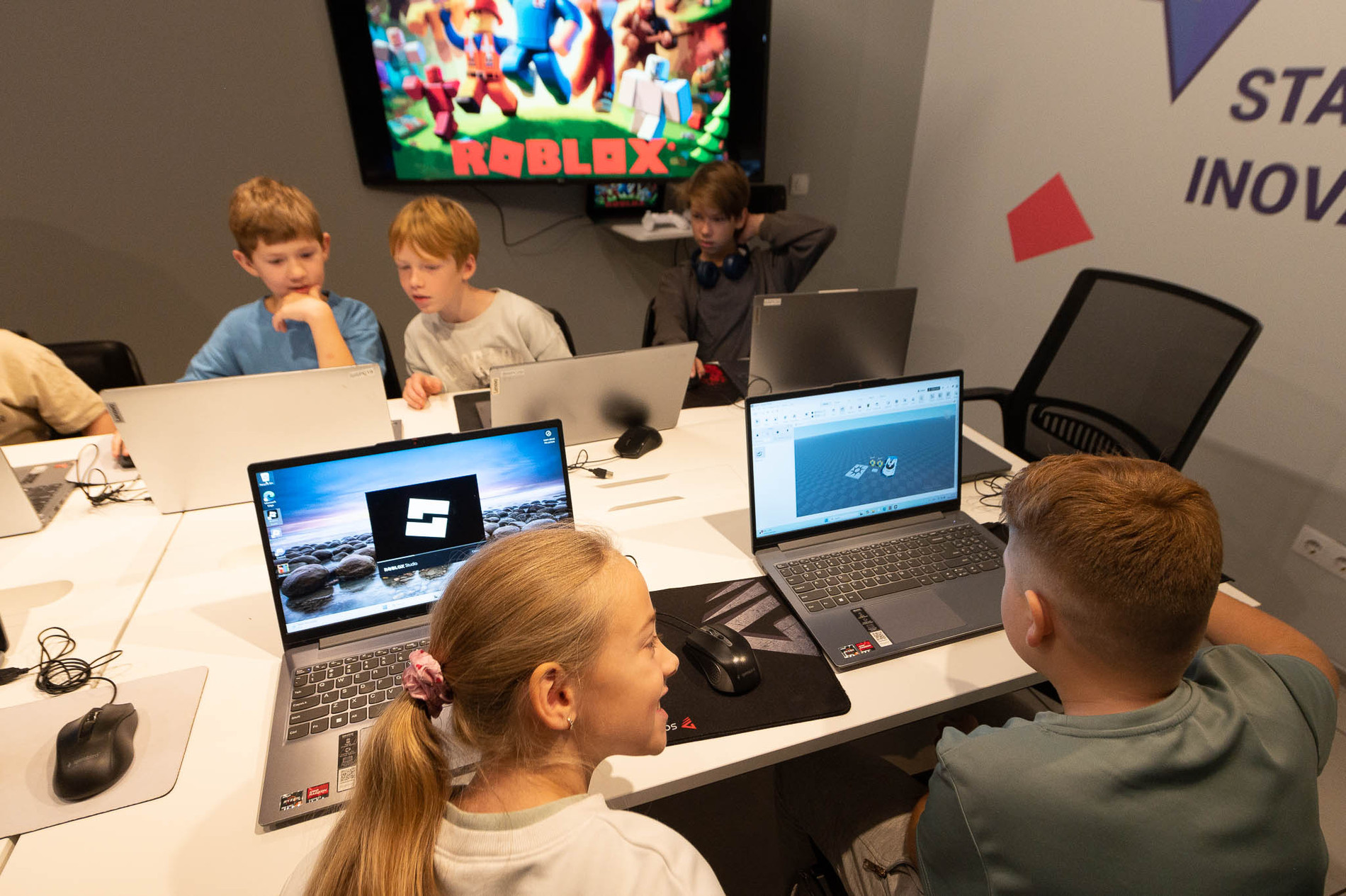
Everyone works on their own computer, but in the same room: they can turn to the teacher, show a neighbour their build and try out each other's games straight away. We provide the computers, Roblox Studio and everything else.
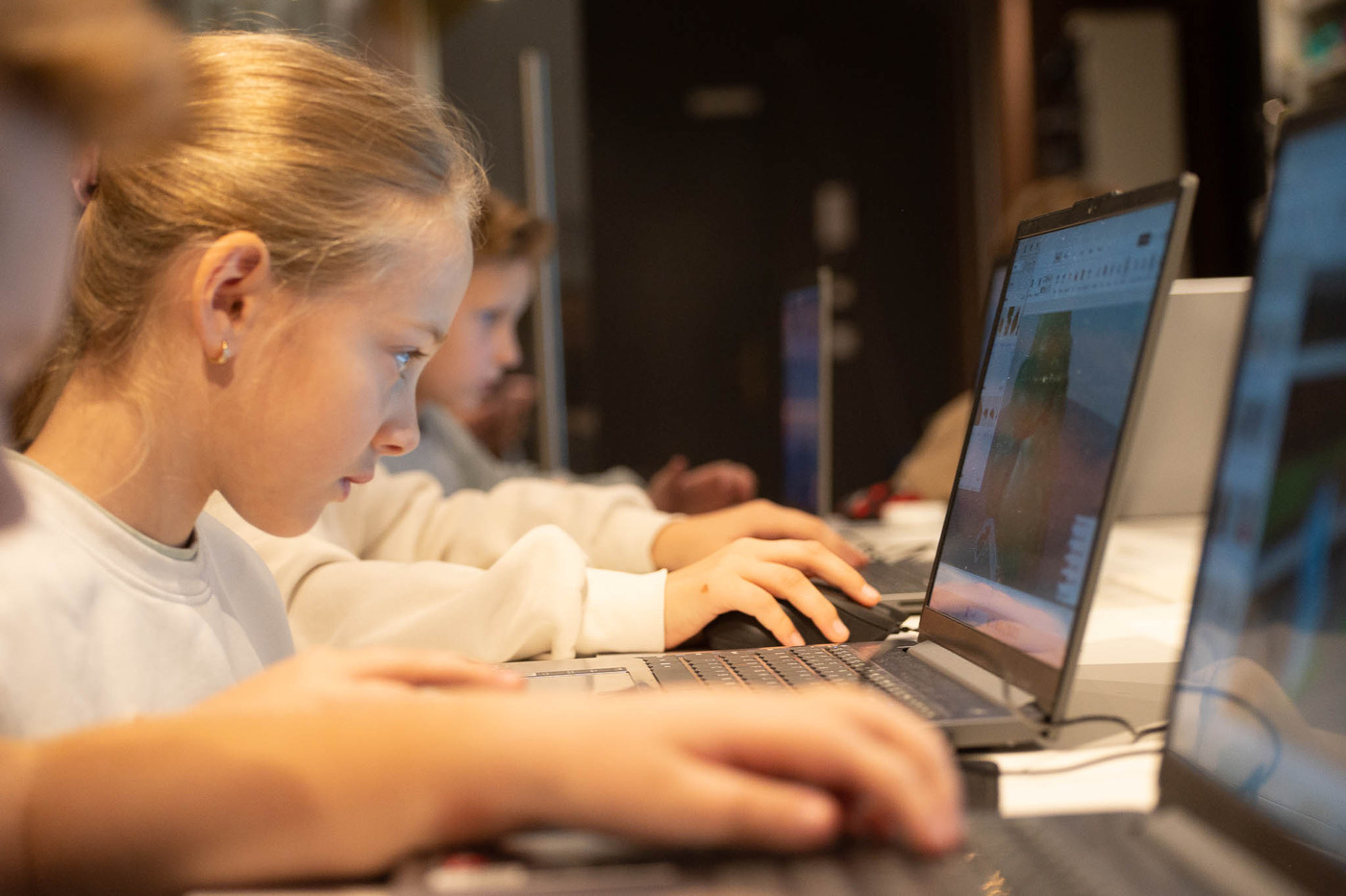
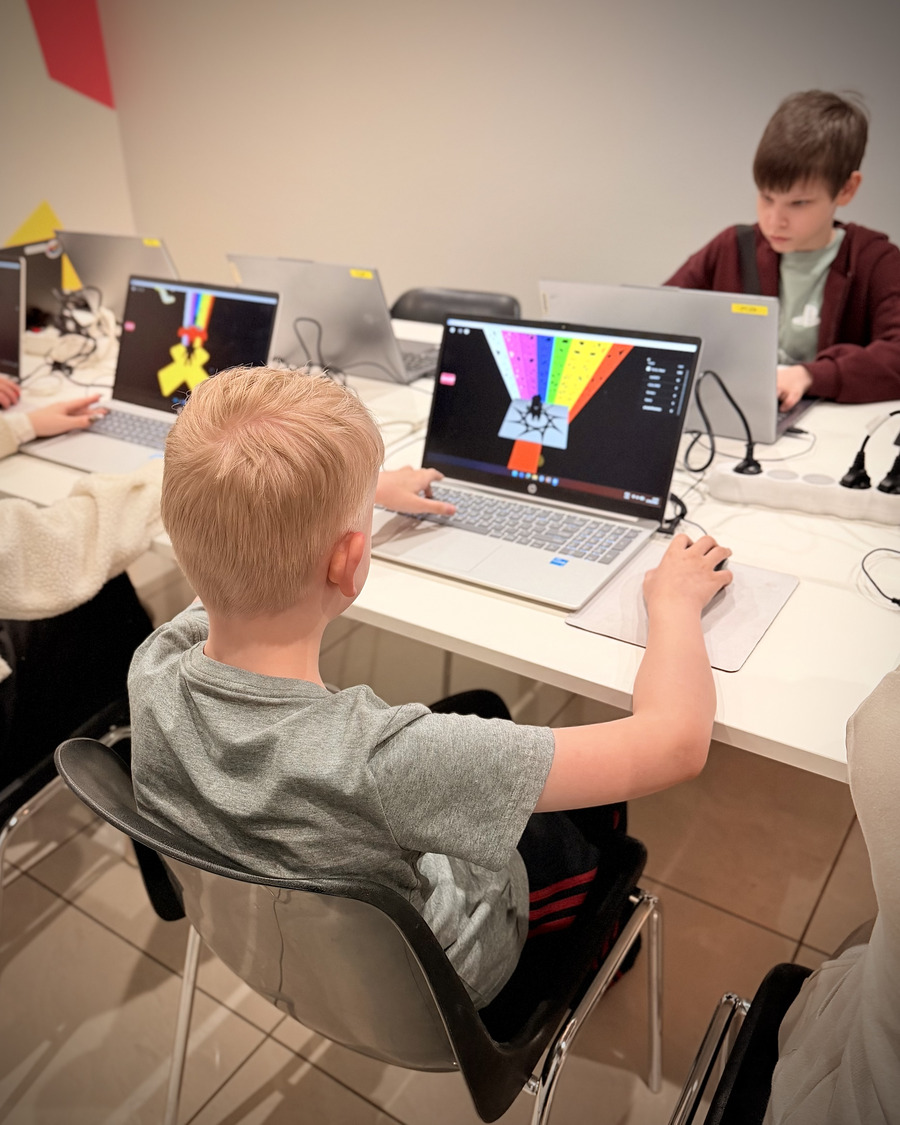
A student working in Roblox Studio during an in-person class
Every student has their own computer and project
An in-person Roblox class at the School of Innovation's premises
The teacher is right there throughout the class
Locations and prices

Where we hold classes

Classes take place at your child's school straight after lessons or at our premises in Riga. All prices include the equipment needed for classes, individual feedback and video materials to reinforce learning.

At schools €53 / month

Roblox Studio at schools

10–14 years · 60 minutes · 1× a week · a project of at least 4 months

Register
In Riga €51 / month

Domina Shopping centre

10–14 years · 60 minutes · 1× a week · groups by skill level

Register
In Āgenskalns €53 / month

Meteors Children's Development Centre

10–14 years · 60 minutes · 1× a week · times confirmed in the application form

Register

No enrolment fee and no extra purchases. If there is no group at your child's school yet, email us at info@inovacijuskola.lv and we will look into opening one.

Technical support for parents and children

If your child wants to work on their project at home as well, the technical support page covers everything about installing Roblox Studio and setting up accounts. We reply on weekdays from 16.00 to 20.00 Latvian time.

Open technical support

Reserve a place in an in-person group

Places in each group are limited. Choose a location, register, and we'll contact you about the most suitable level and class time.

Places in each group are limited

Classes use the Roblox Studio platform. This programme is not an official Roblox Corporation product and is not sponsored or endorsed by Roblox Corporation.