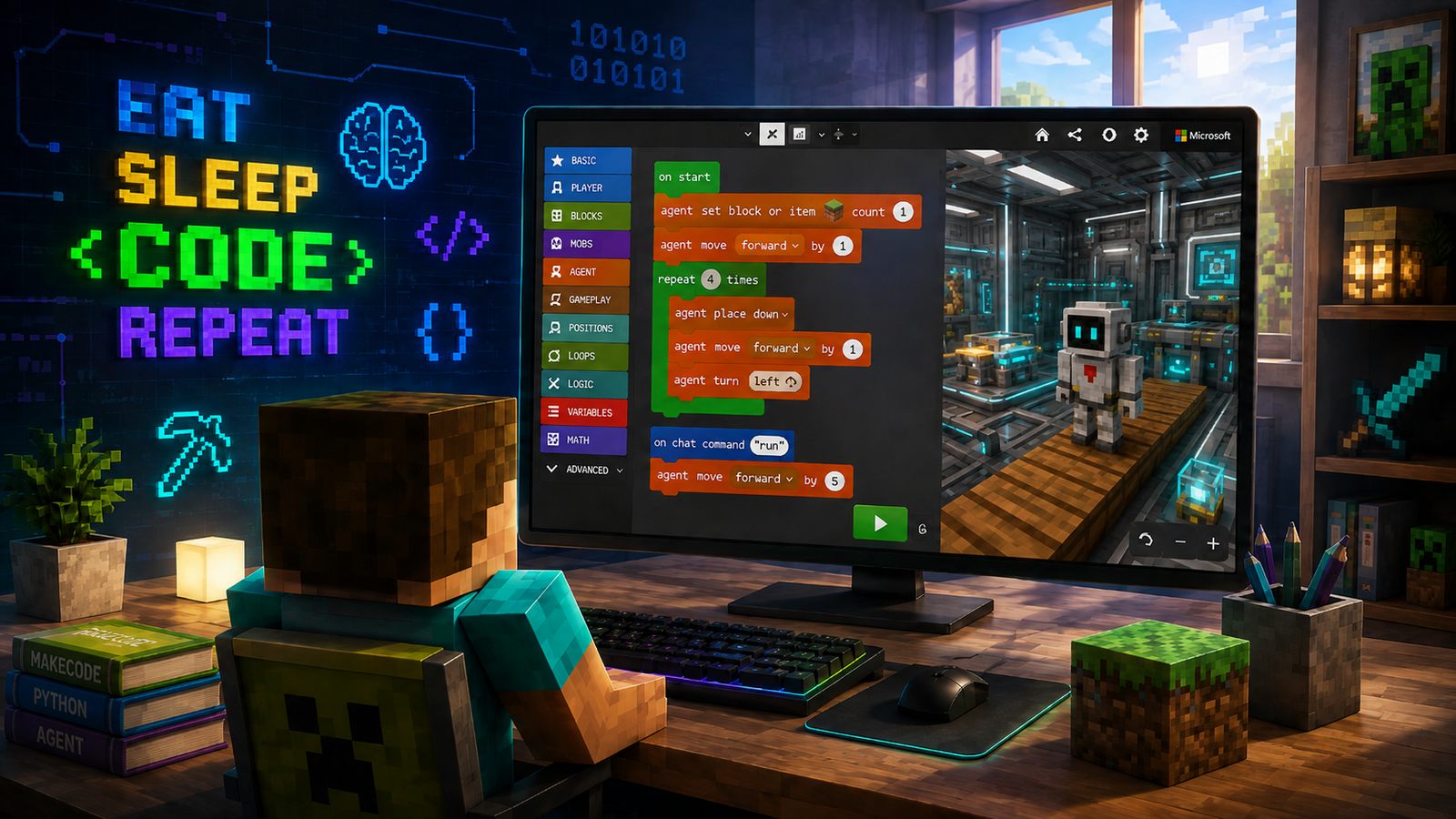
Built-in code editor
Code Builder opens inside the game when you press C. Students work with MakeCode blocks, Python or JavaScript, and what they write runs in the game straight away.
Weekly Minecraft Education classes at schools, Domina Shopping centre and the Meteors premises in Āgenskalns. Over the school year, students progress from their first MakeCode blocks to writing their own Python code.
Minecraft Education is Microsoft's education edition, similar to the regular Minecraft game. It offers extra features that help children learn through play.
Code Builder opens inside the game when you press C. Students work with MakeCode blocks, Python or JavaScript, and what they write runs in the game straight away.
The Agent is a robot you can't control with the mouse. It does only what the code tells it to: move, turn, place and break blocks. If it goes the wrong way, the bug is in the code.
Students sign in with a Microsoft account we provide, not a public game account. There are no strangers and no public chat, and the teacher can see the whole world.
Minecraft Education isn't the same game you buy in a shop, and it can't be bought separately. We provide the licence and Microsoft account, and both are included in the monthly fee.
These are the topics students cover during the school year. The teacher sets the exact order and pace to suit the group, but the direction is always the same: from the first command to the Agent to a mini-game they've written themselves.
Students build a program from colourful blocks and instantly see what it does in the Minecraft world.
The same principles, just written out in text. The blocks stay alongside as support for as long as they're needed.
The MakeCode, Python and Minecraft Education interfaces are in English, and we don't translate them. In programming, English words are part of the language itself, so students learn them exactly as they appear in real code. The teacher explains in Latvian and practises saying the new words with the group.
on startwhen the program startsrepeatdo it againforwardmove aheadturn leftrotate to the leftplaceplace blockif / elseif true / otherwisevariablea stored valuefunctiona named set of stepsrandomby chancerunstart the codeAt schools, classes take place after lessons, so there's no need to take your child anywhere. In Riga, there are also separate groups at Domina Shopping centre and in Āgenskalns. In every format, we provide all the equipment and licences needed.
With in-person classes, there's practically nothing for parents to prepare.
A good mood (and a water bottle, if they like). Nothing else is needed.
We provide the computers, Minecraft Education and all other equipment.
Classes take place at your child's own school, so there's no travelling after lessons. The exact time depends on the school timetable.
The teacher follows each student's progress and assesses what is going well and where more support is needed.
Students can also join mid-year — the teacher helps them catch up with the group.
We start from the very first command. If a student already knows some coding, the teacher gives them a harder task.
Installing Minecraft Education, joining Teams, forgotten passwords and fixes for the most common problems, all in one place. We respond on weekdays from 16.00 to 20.00 Latvian time.
Registration takes about two minutes: enter your contact details, and we'll get in touch about the next start date.
Places in each group are limited