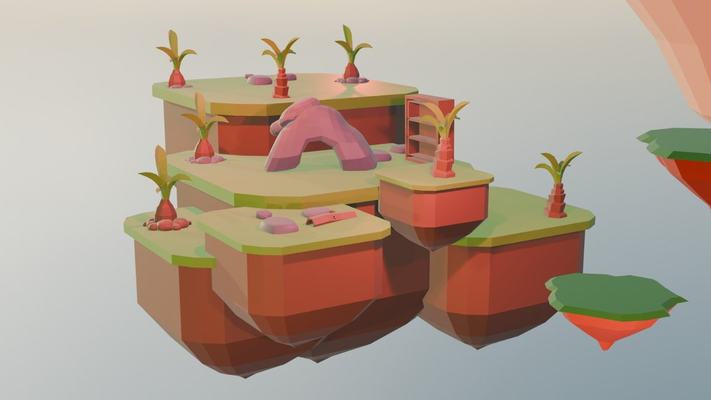
Modelling in Blender
Navigating 3D space and building shapes from simple objects.
Students model, texture and animate in Blender, in the same room as their teacher. The semester has 14 lessons at Domina Shopping centre and ends with a final piece.
Fourteen lessons in eight stages. Each stage ends with something finished, and the last one with a piece ready for the portfolio.
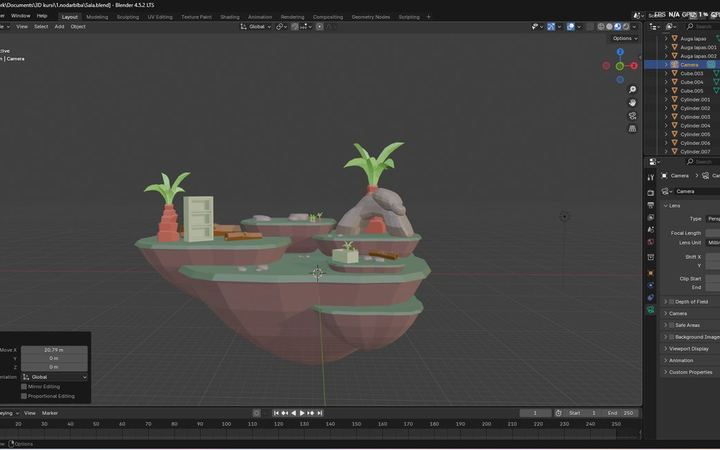
Navigating 3D space, the interface and first objects built from simple shapes.
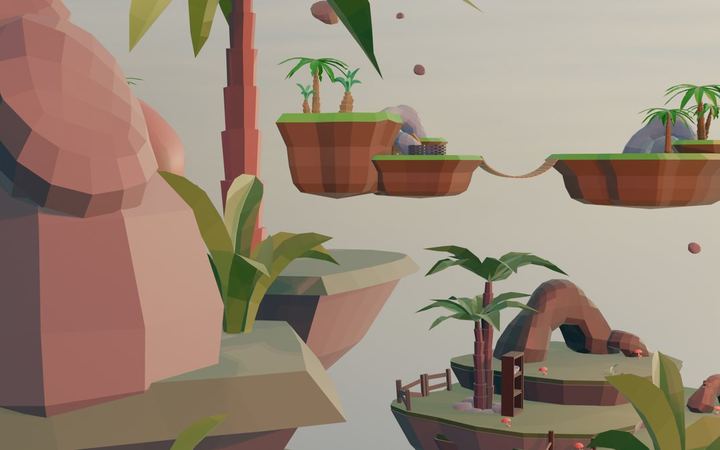
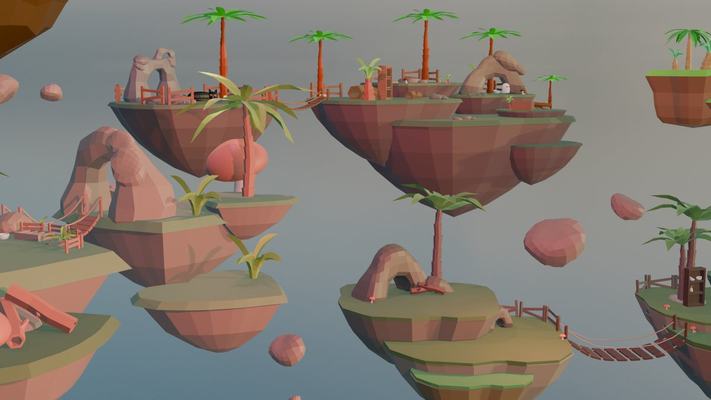
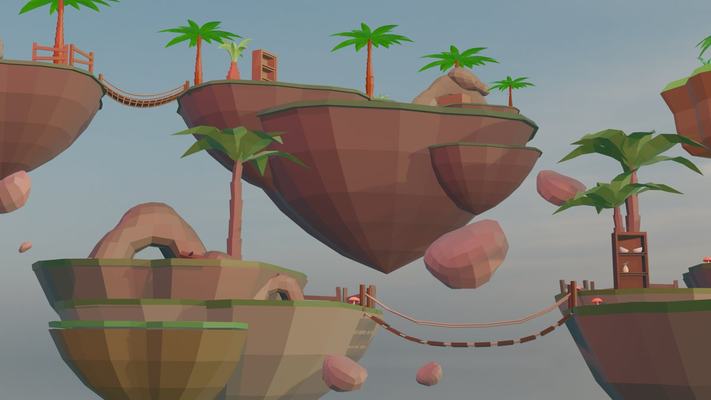
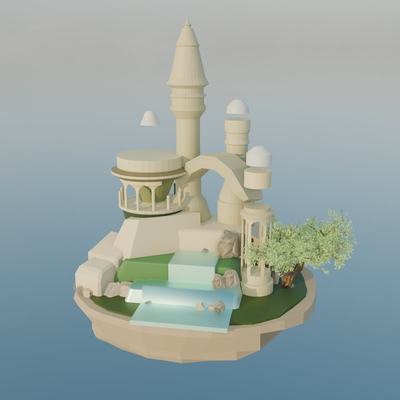
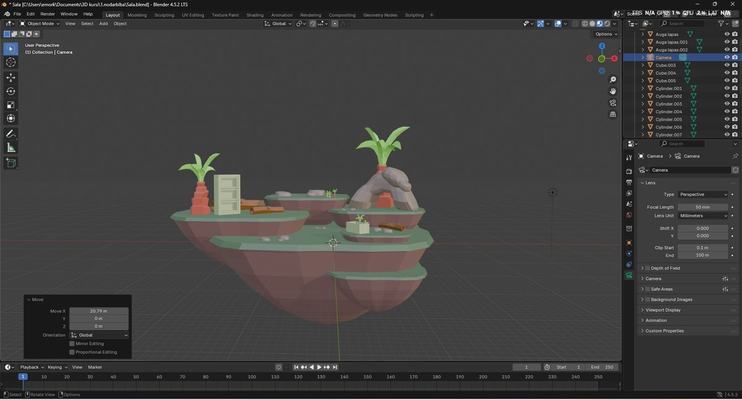
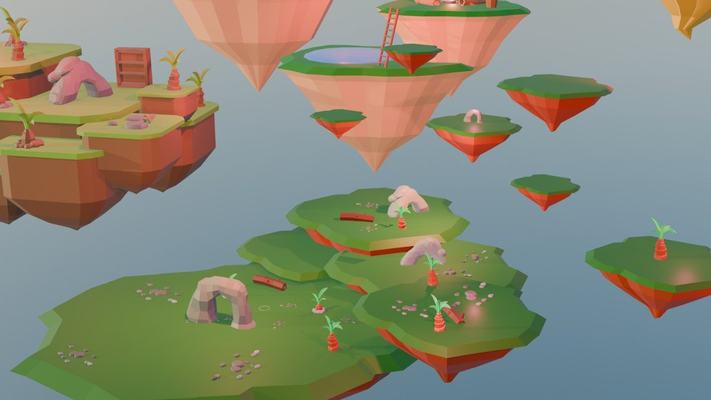
Organic shapes, building the first island and adding a background to the scene.
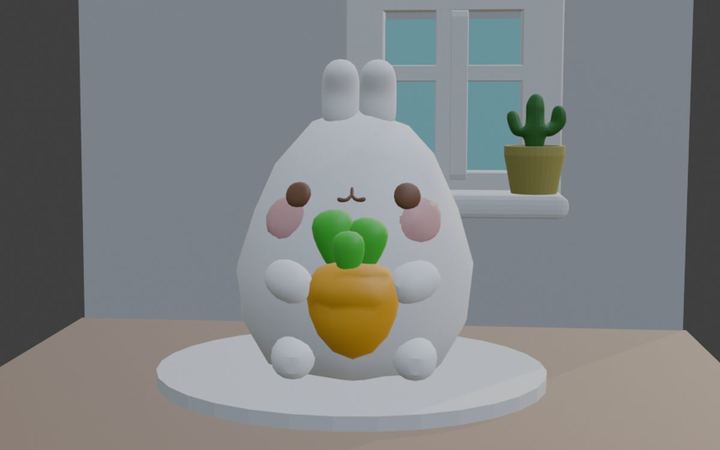
Character modelling, textures and a first fully rendered animation.
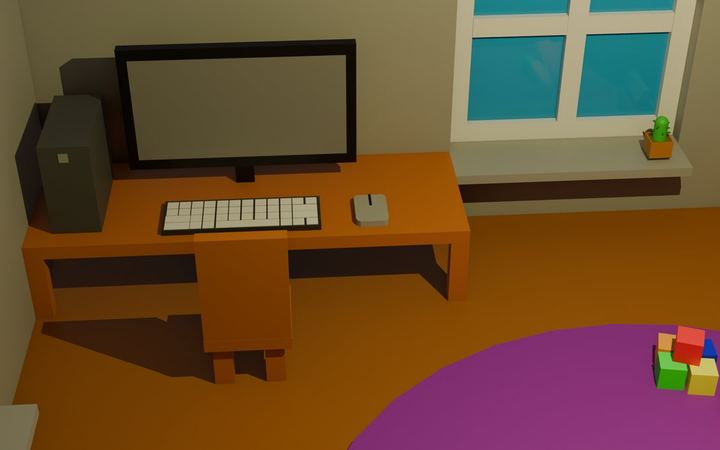
Time-saving techniques and a look at different styles of modelling.
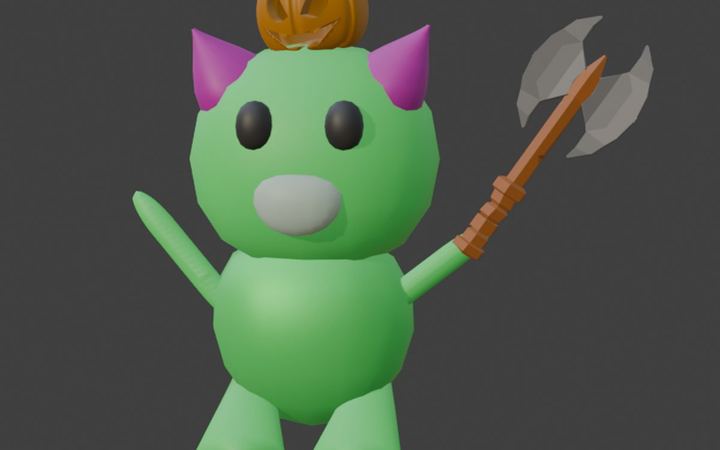
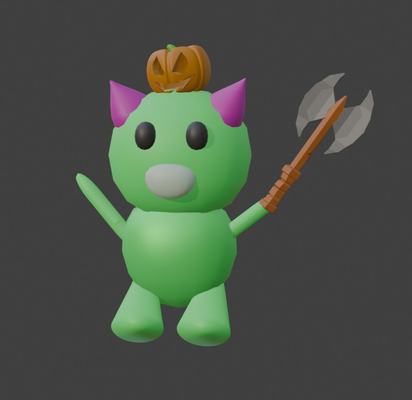
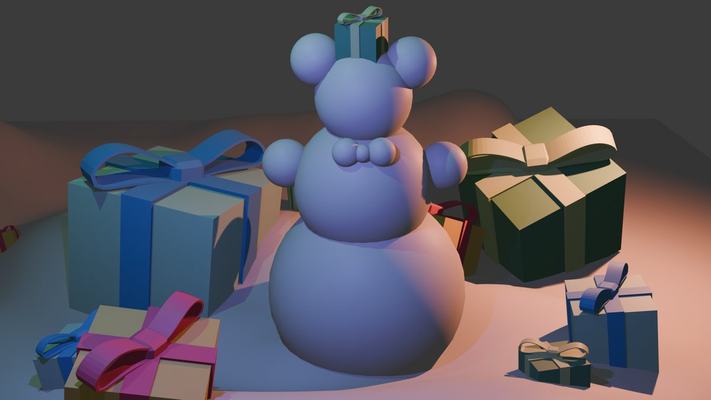
Your own 3D character from start to finish. This piece can also be 3D printed.
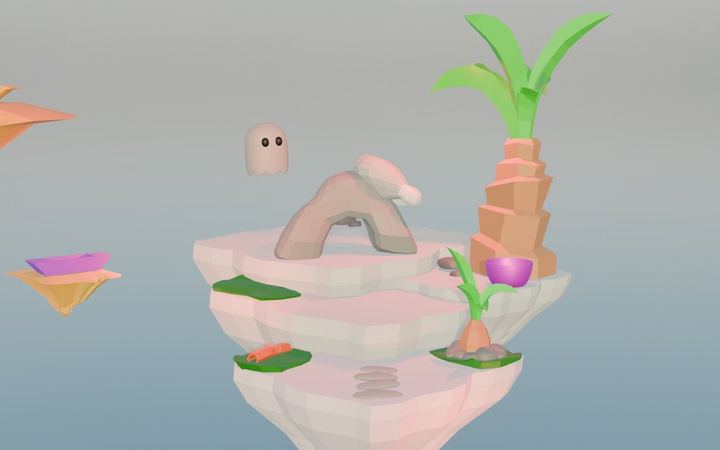
Freehand painting, UV unwrapping and finishing the island.
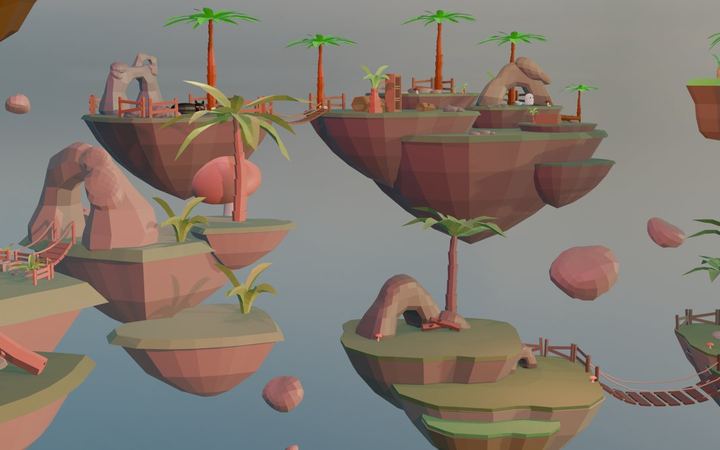
Different approaches to materials and textures before the final project begins.
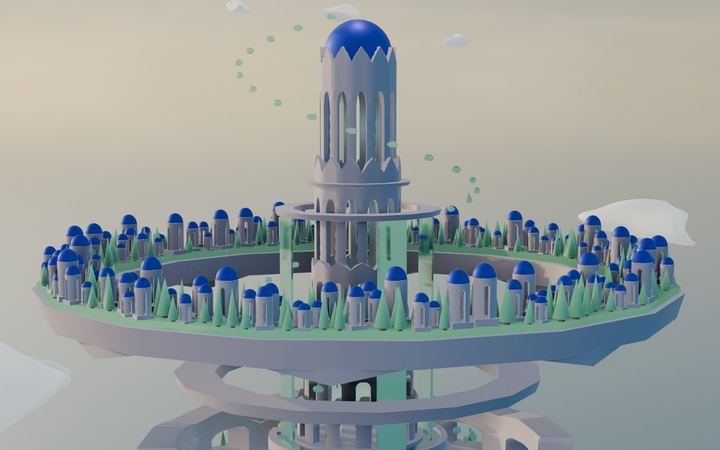
Four lessons devoted entirely to your own project, all the way to a rendered piece. Along the way, the teacher gives extra tips and guidance to help the project develop.
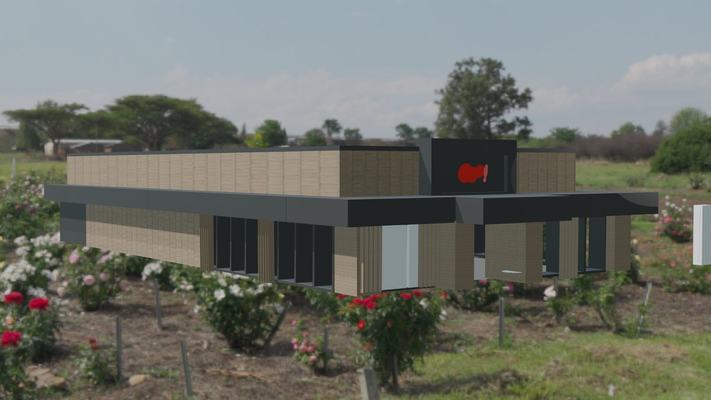
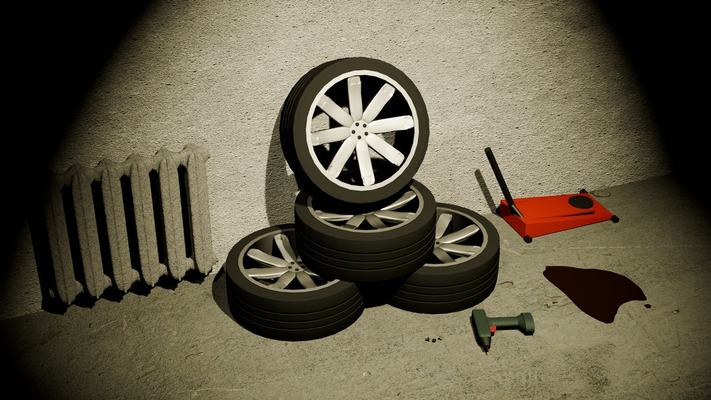
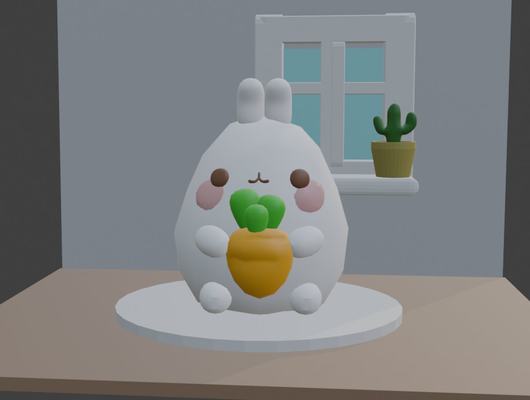
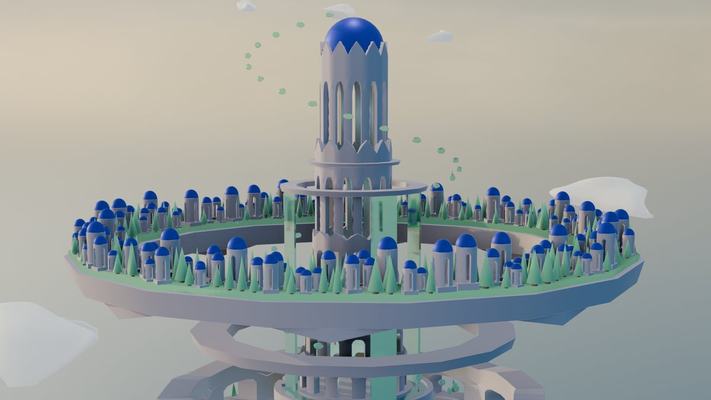
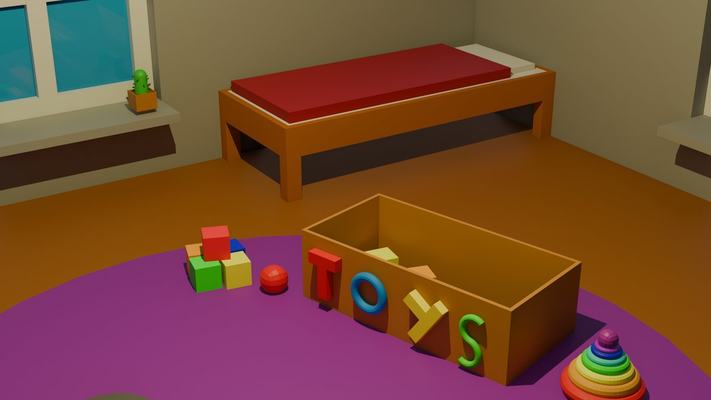
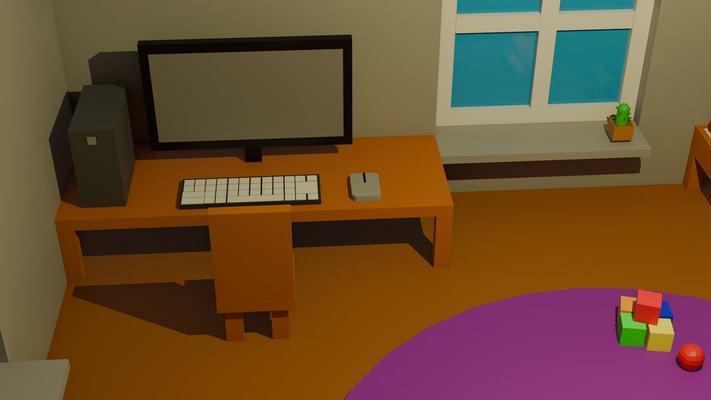
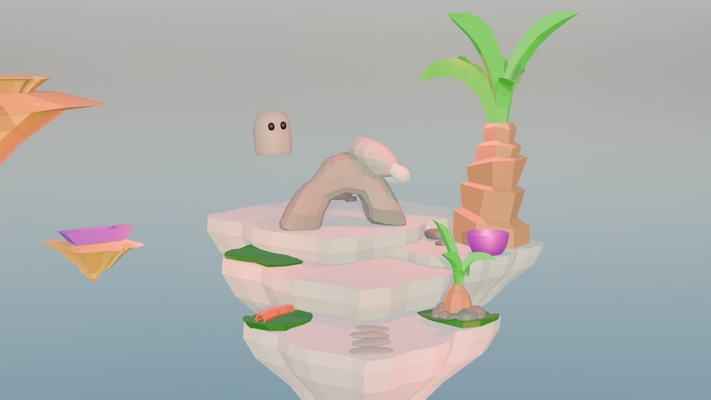
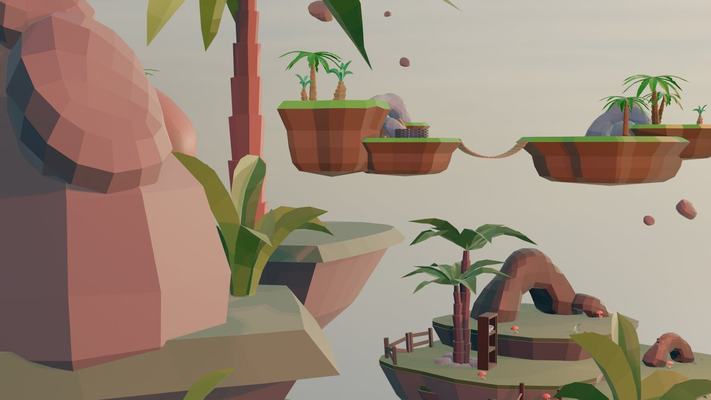
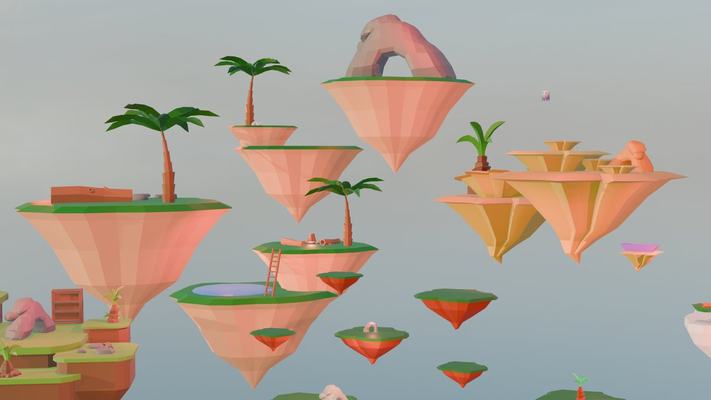
The images show work by our students. The exact lesson breakdown may vary slightly depending on the group's pace.
In the second semester, students take the next step with more complex projects, going deeper into animation, physics, simulations, character creation and modelling more complex objects.
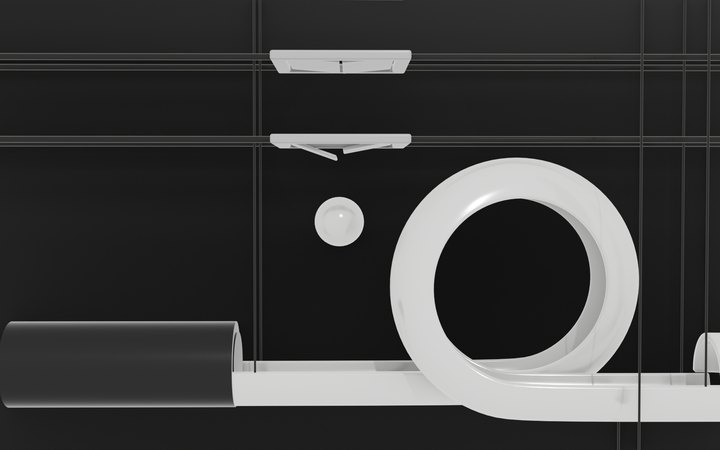
Your own obstacle course, and with it physics, gravity and how objects interact.
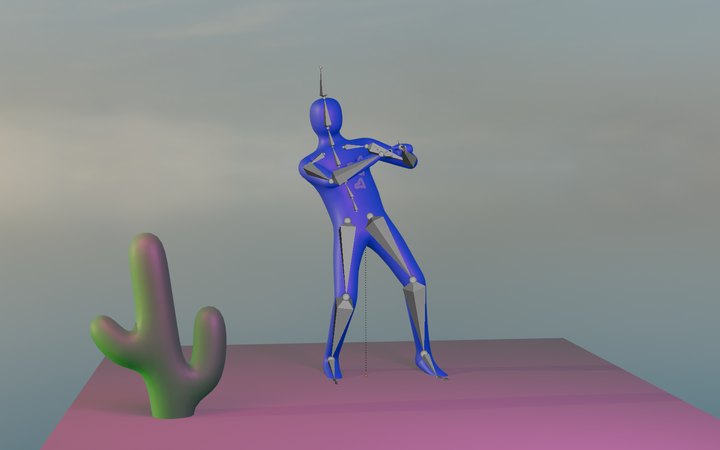
Your own 3D character, modelled and animated with a range of animation tools, through to a finished character animation video.
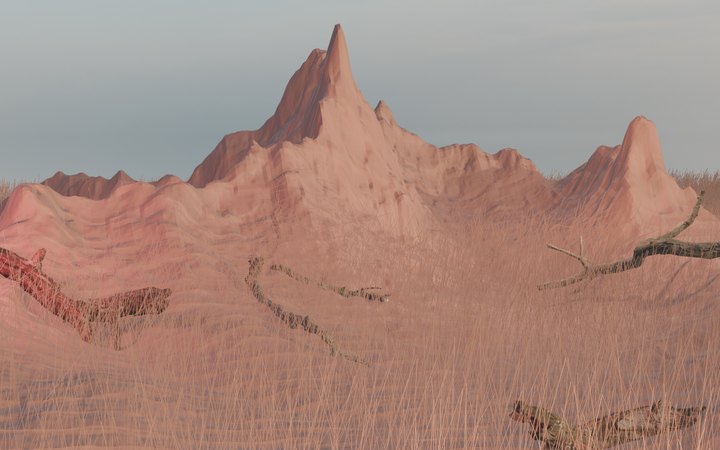
Mountains, terrain and natural 3D environments using different modelling methods and height maps.
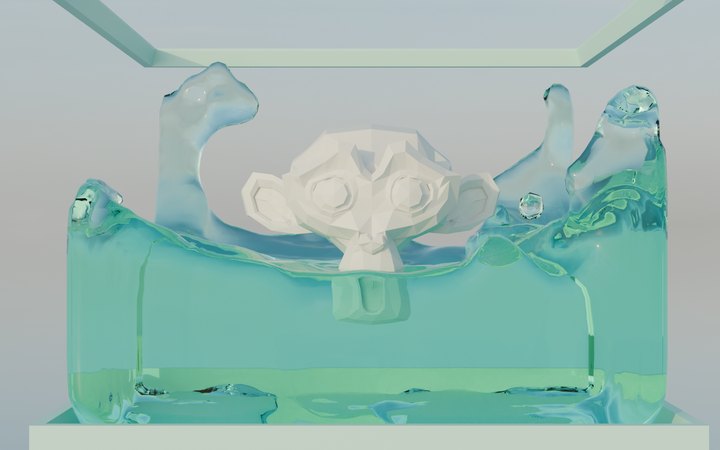
Simulating water, explosions and other realistic effects.
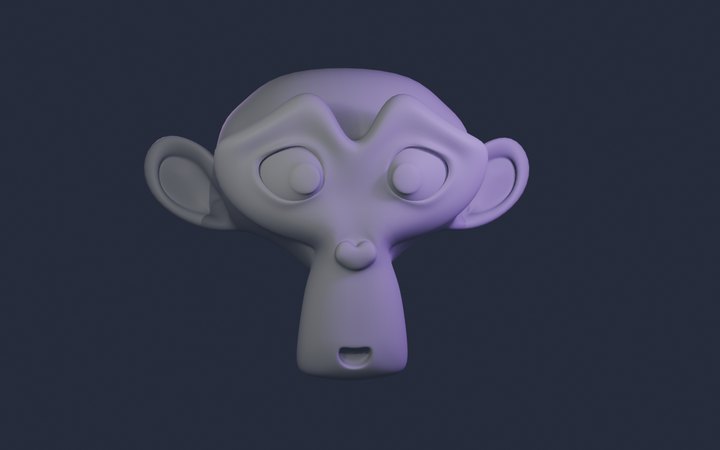
Facial expressions, transitions between emotions, plus animation timing and the dynamics of movement.
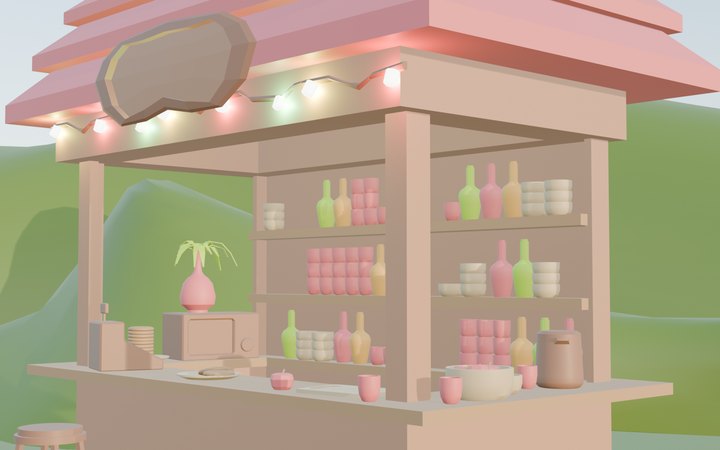
A complete environment with objects, where students learn a range of hard-surface modelling techniques.
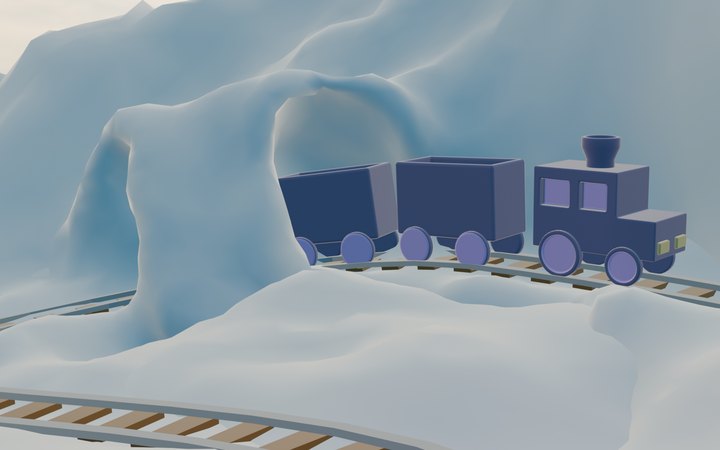
Your own train, tracks and environment, then animating the train as it moves along the track. This stage also introduces another approach to creating textured 3D models.
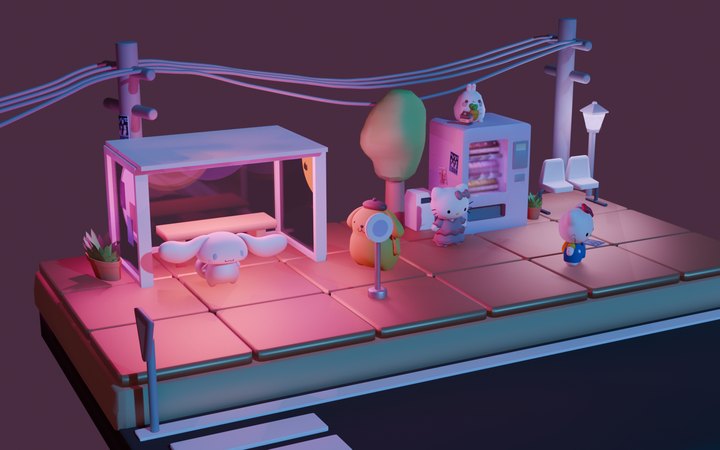
A unique project of your own that brings together the modelling, animation, environment-building and finishing skills you have learned.
Semester outcome. By the end of the second semester, students can not only create 3D objects and environments but also animate them and put together a complete video project. Work like this is a great addition to a portfolio and a first step towards 3D, animation, game development or visual design.
Blender is the same software that animation and game studios use. But the most important thing students take away is the ability to break a big idea into stages, see it through and present the result.
Navigating 3D space and building shapes from simple objects.
Creating colours, materials and UV maps, plus painting objects by hand.
Creating organic and natural forms with the right techniques.
Character movement, timing and rendering a finished animation.
Camera, lighting and framing that take the work to the next level.
Scale, proportion and the ability to recreate shapes creatively using what they have learned.
From finding inspiration to a finished, rendered piece.
Skills, tricks and a structure for carrying on learning 3D on their own.
Each student has their own workstation, but everyone works in the same room. That is a big advantage when learning 3D: the teacher can come over and show things right on the screen, and the work of the person sitting next to you often suggests what else to try.
No need to bring your own computer. Blender and the course files are already installed.
In-person lessons last 1.5 hours and follow the same 14-lesson programme.
A missed lesson can be caught up, so the project keeps moving.
The course includes all 14 lessons, learning materials and individual feedback. You can pay monthly or in a single payment for the whole course. Blender is free, so there is nothing else to buy.
No enrolment fee and no prior experience needed.
Classes take place at Domina Shopping centre. We confirm the exact day and time once the group is full.
If your teenager would rather learn from home, the same course is also available online.
None of these are starter examples from the internet. Each one was built in class, starting from an empty 3D scene. The collection grows every semester.
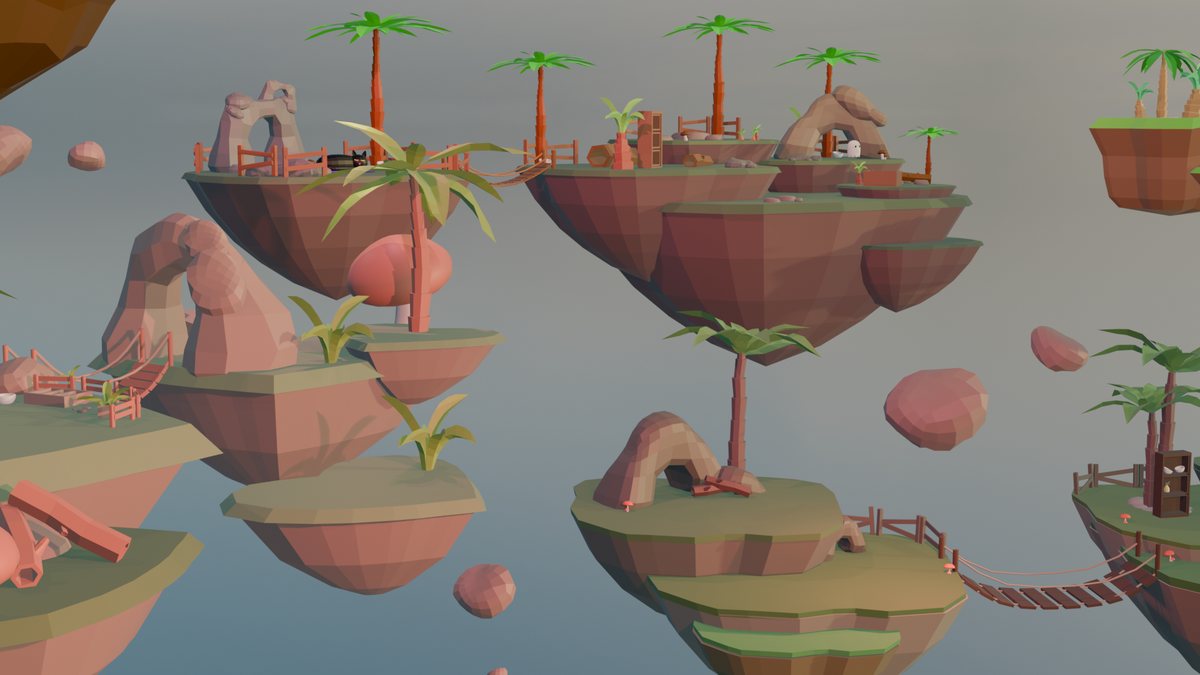
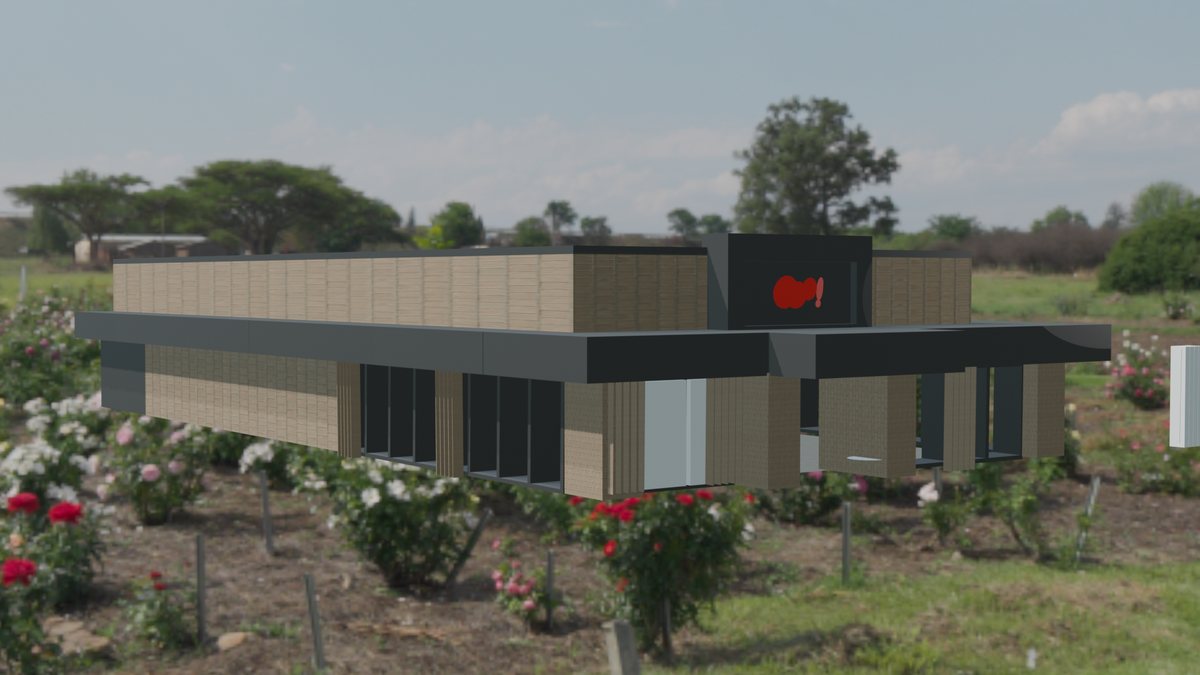
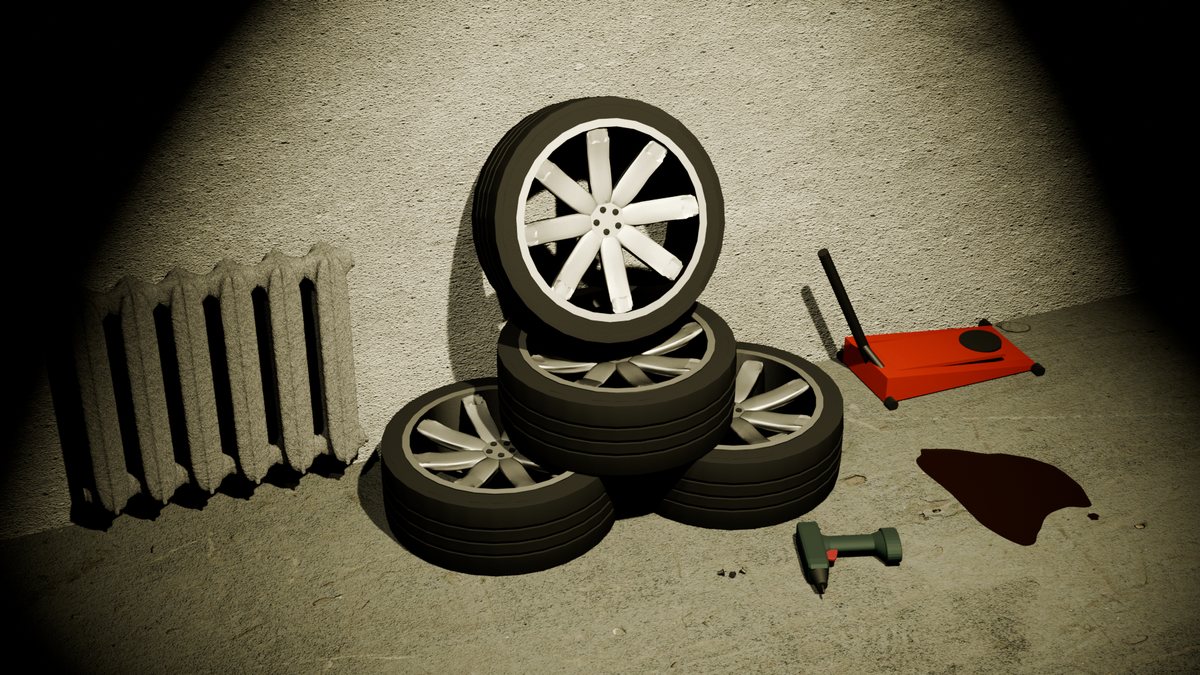
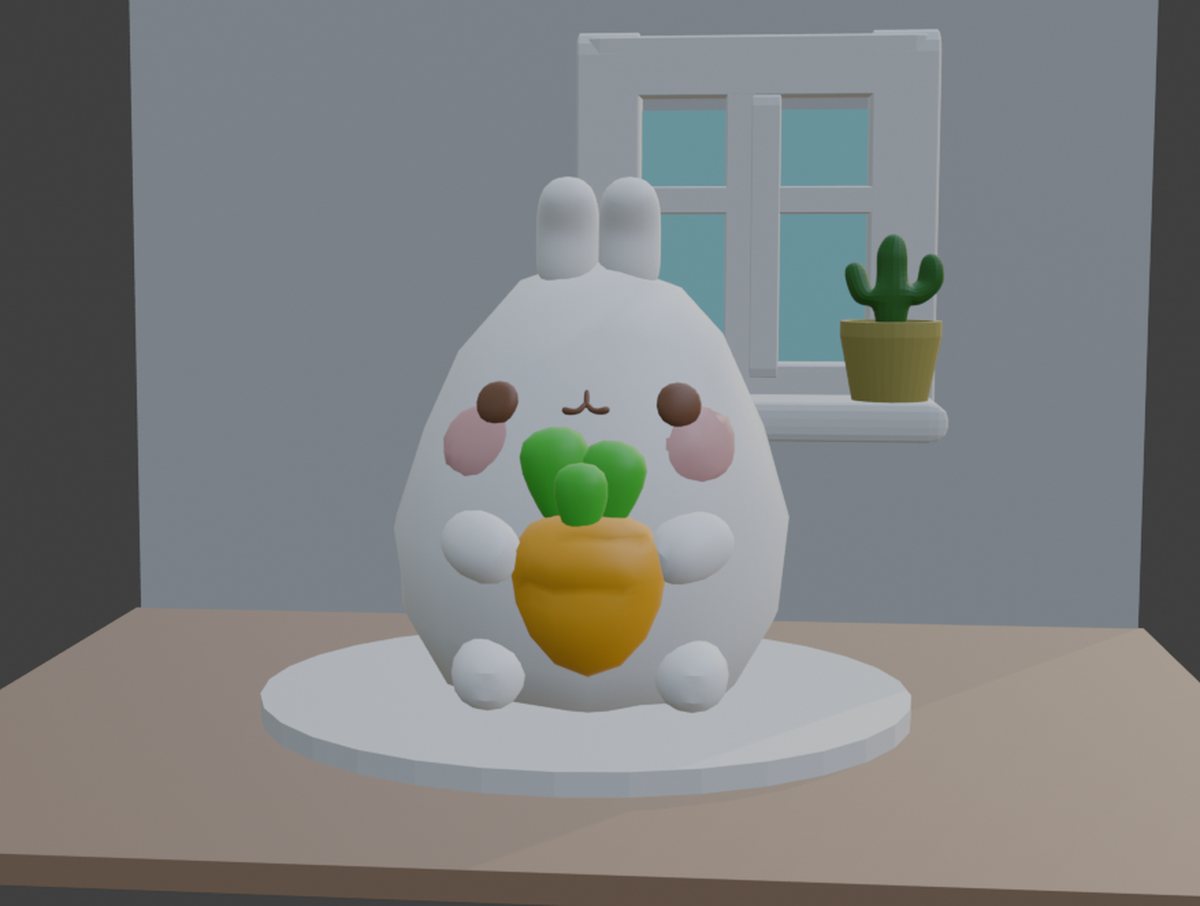
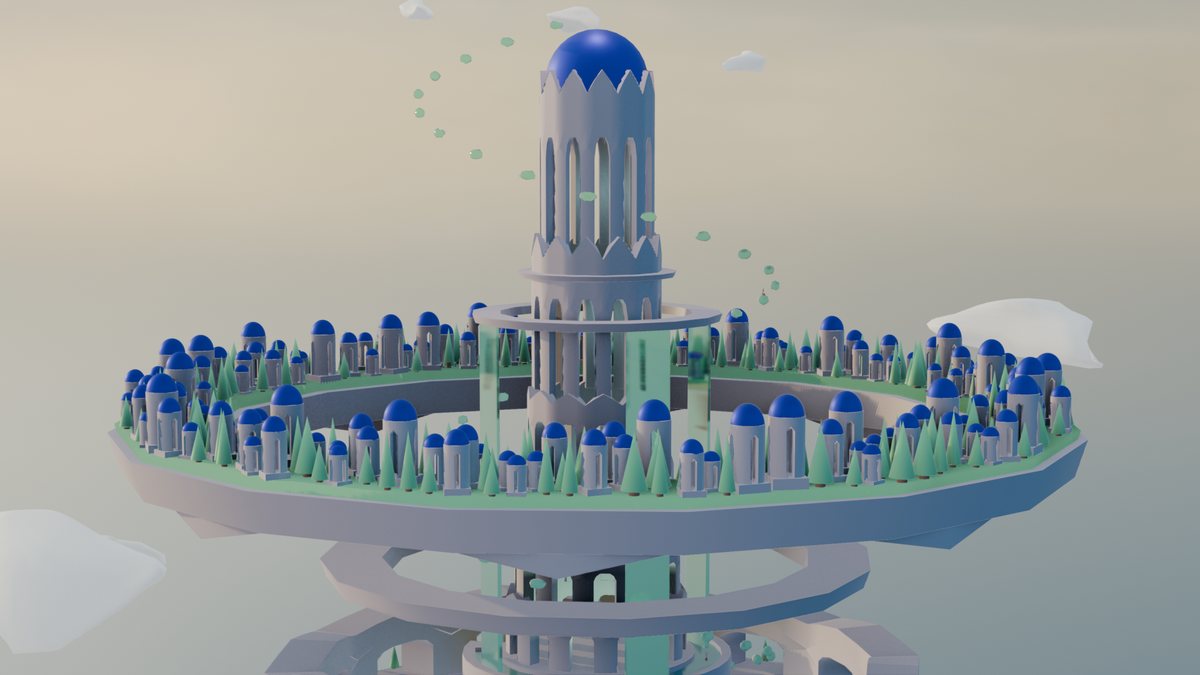
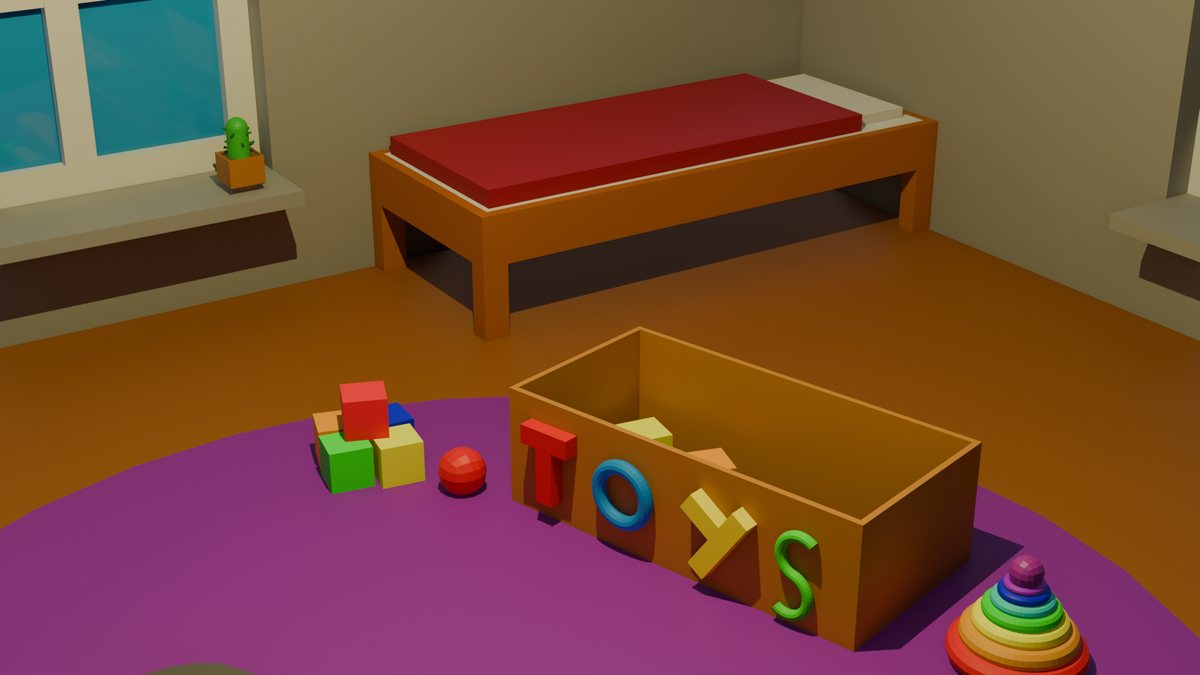
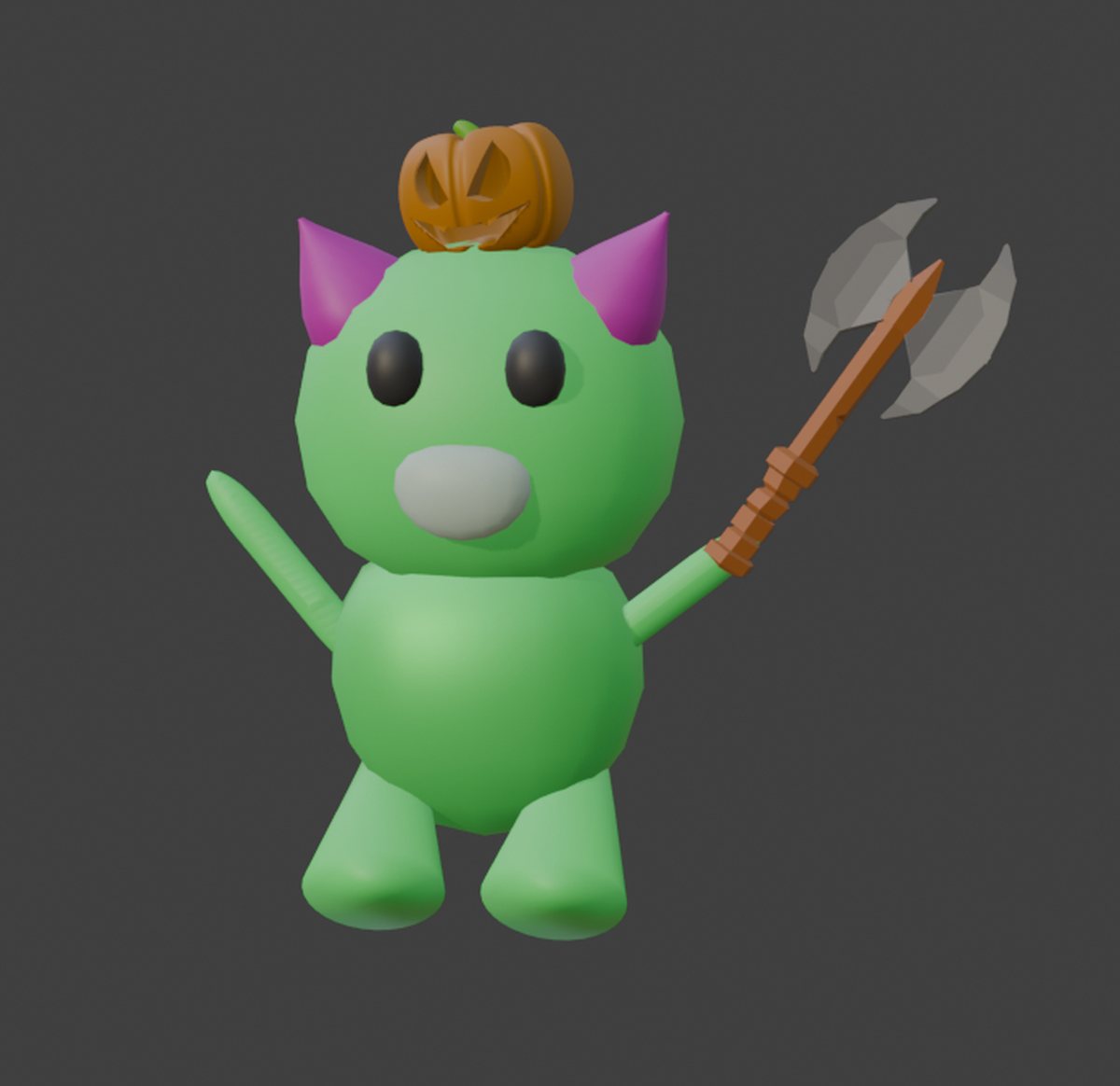
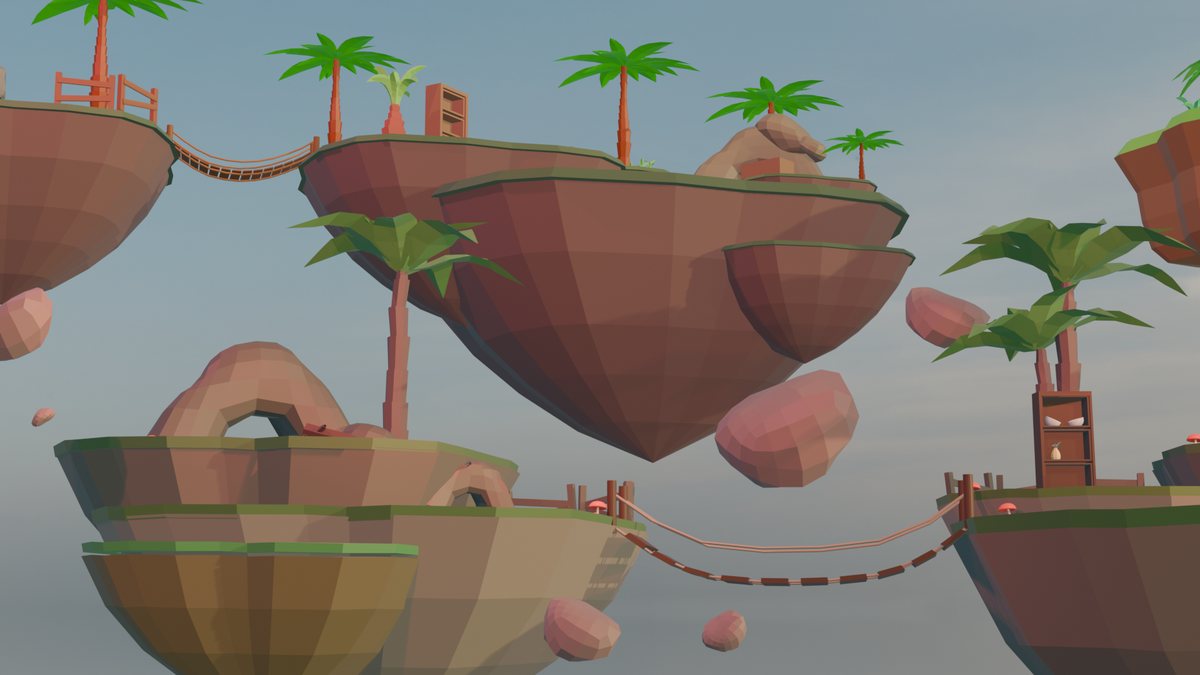
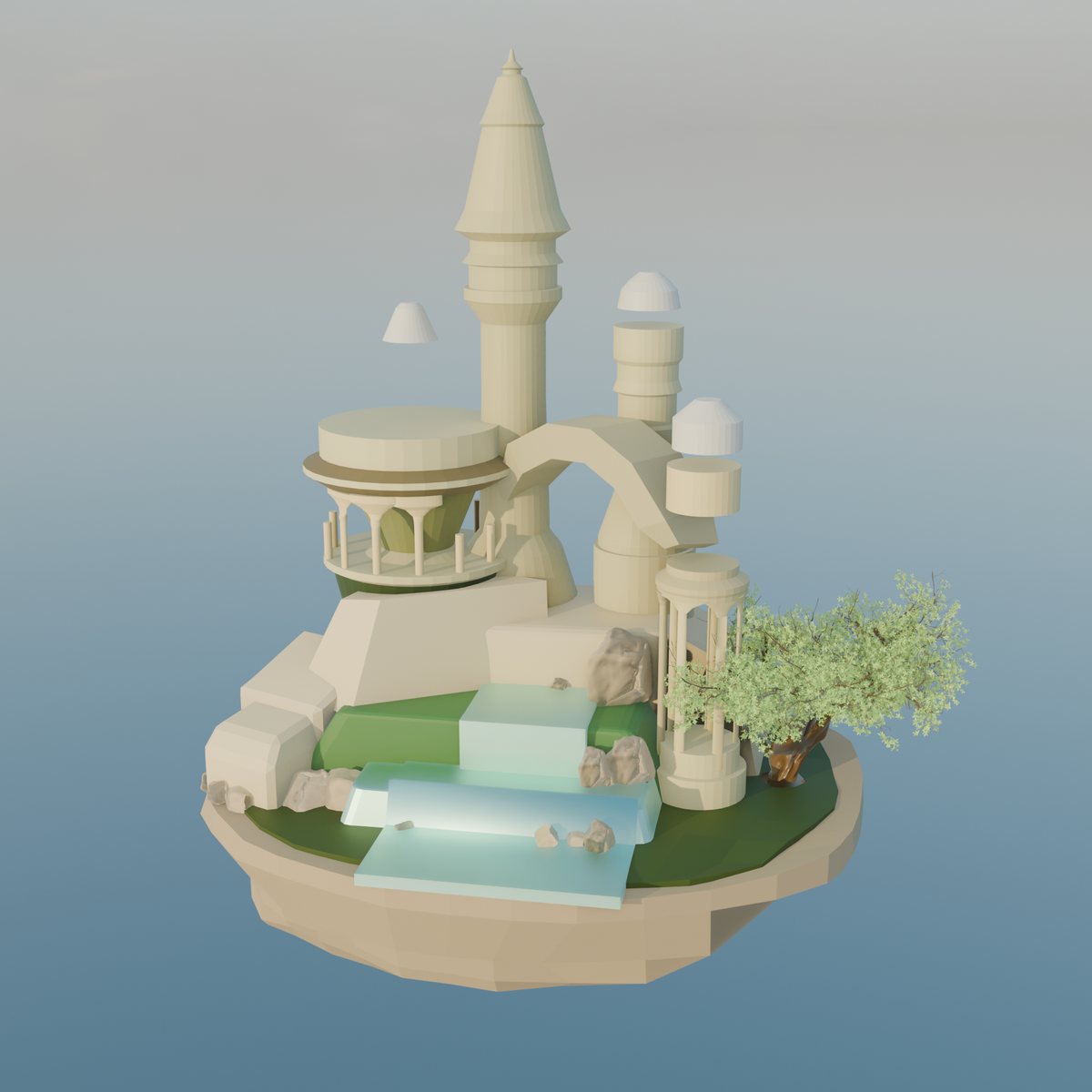
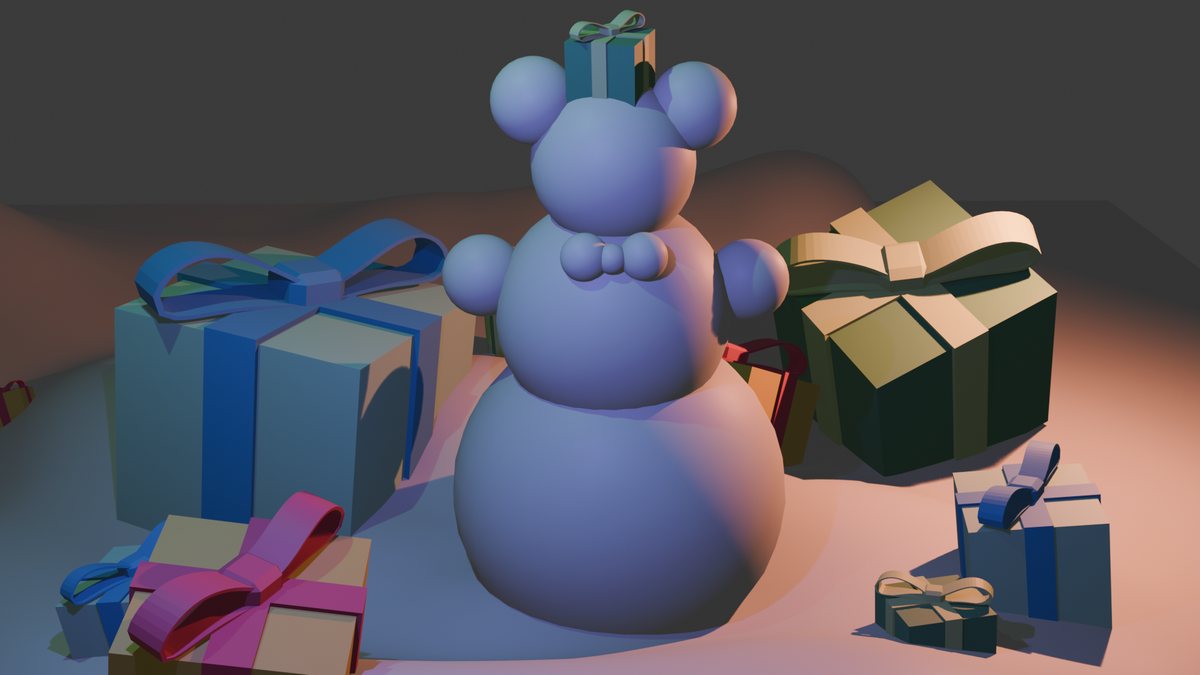
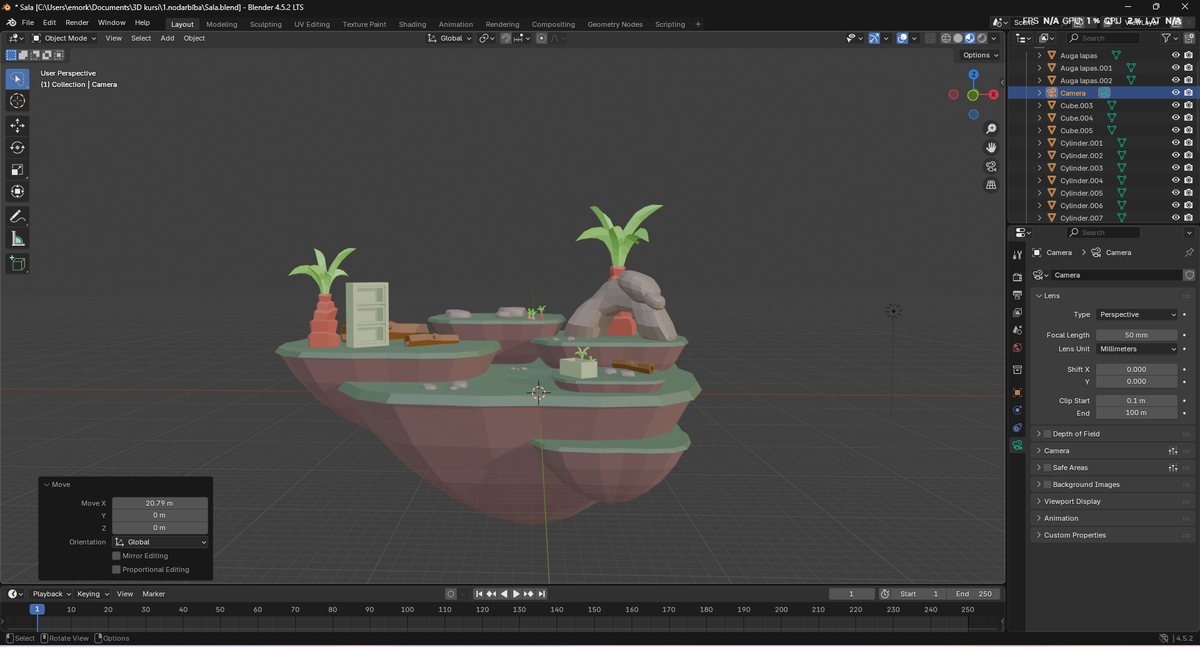
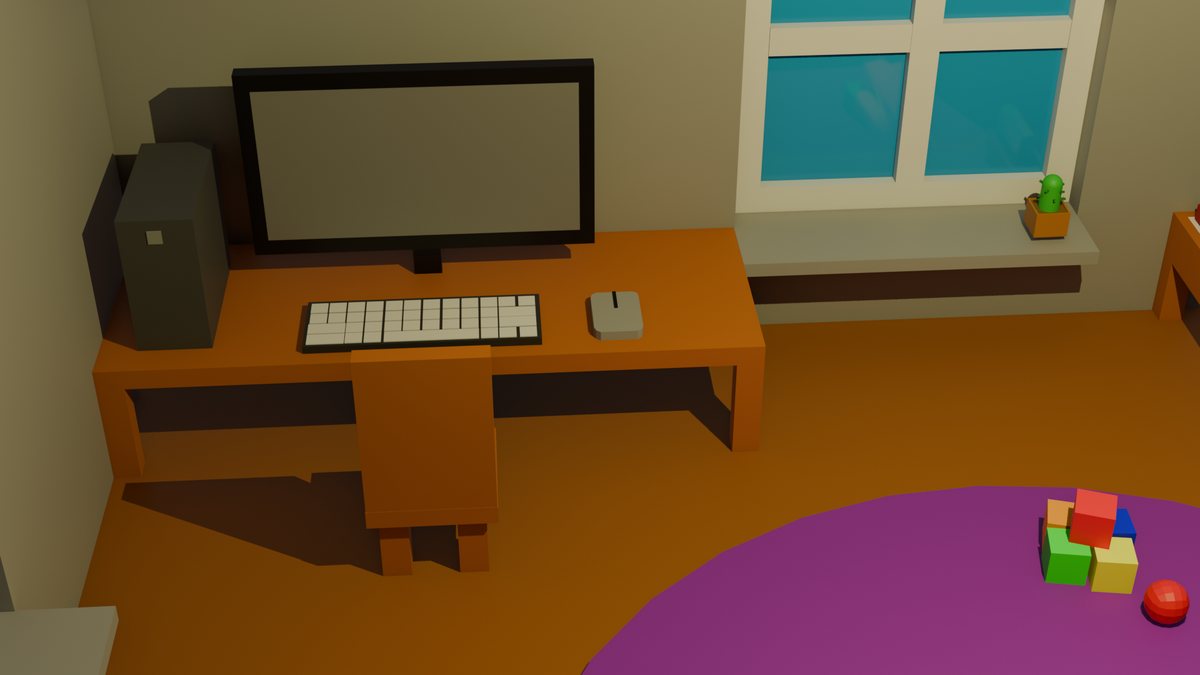
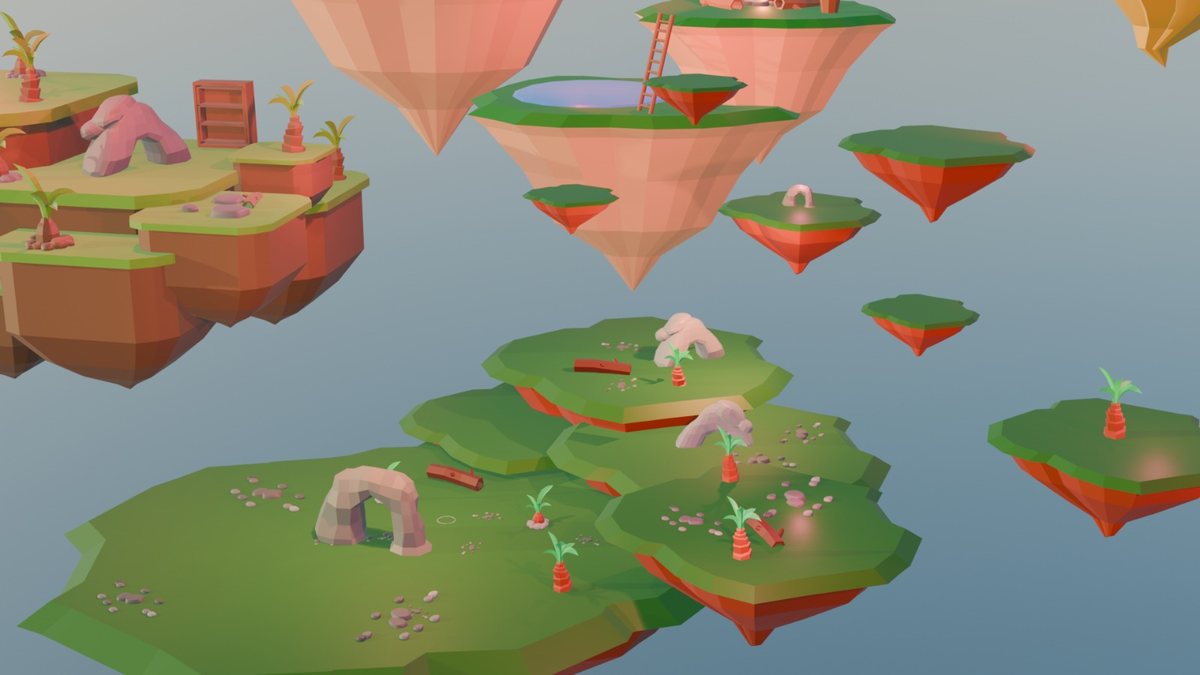
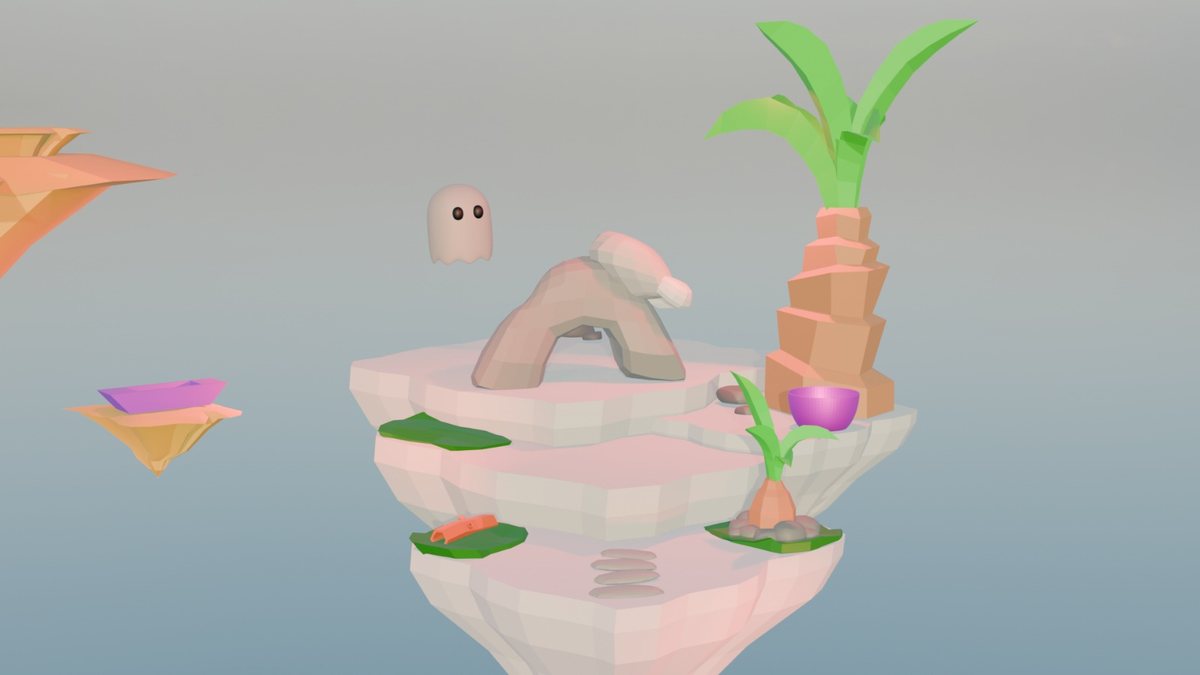
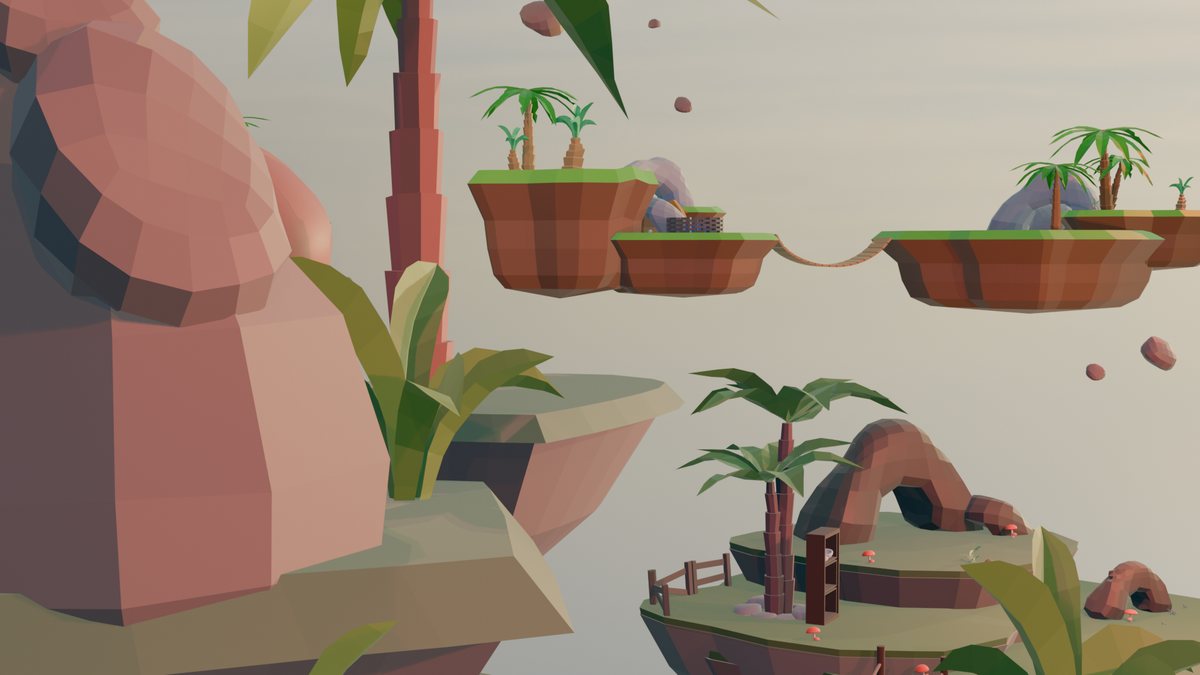
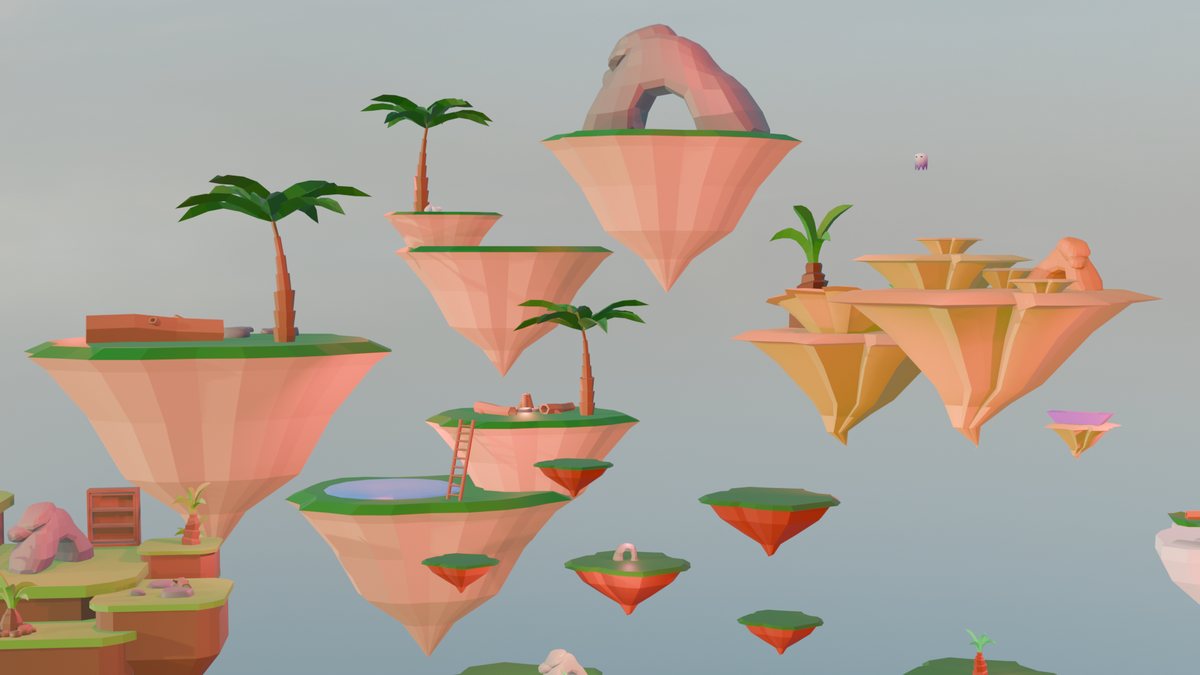
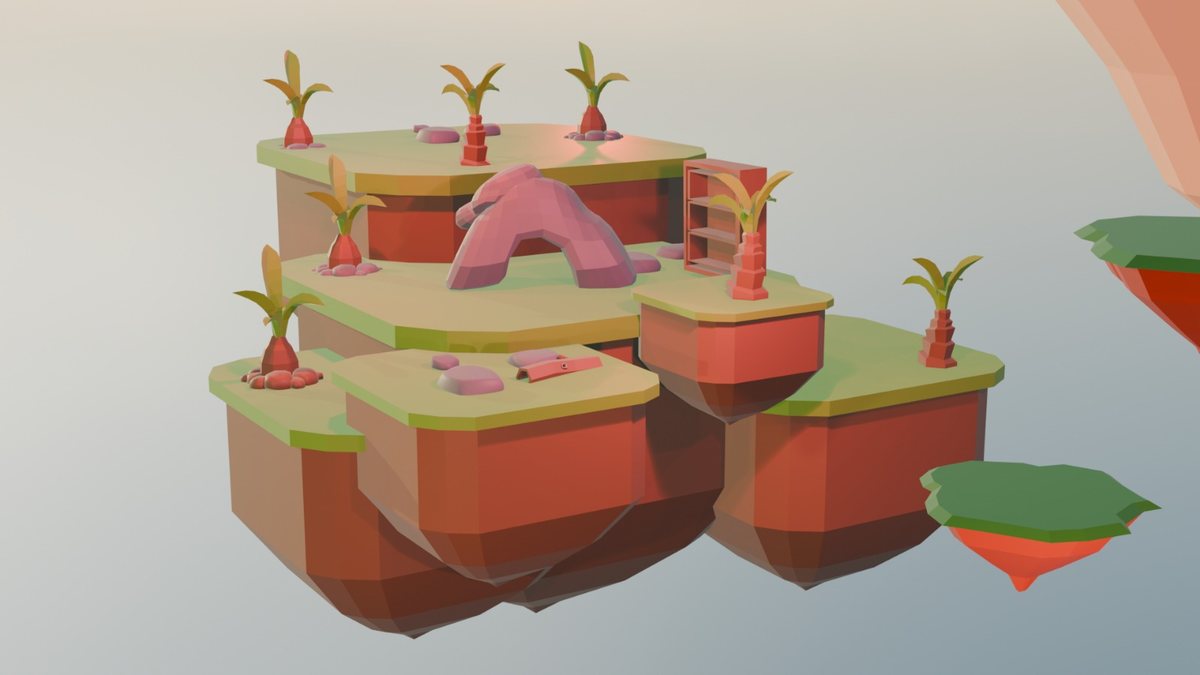
Work is published with the creators' permission. We do not show their names.
If your teenager wants to work on their project at home too, our technical support page has everything about installing Blender. We reply on weekdays from 16.00 to 20.00 Latvian time.
Groups are small so the teacher has time to look at everyone's work. Register your teenager and we will get in touch about the next start date.
Places in each group are limited